

A Google Maps Guide for Dental Clinics
A Google Maps guide for dental clinics: clinic and dentist profiles, the service list, clinic photos, privacy in review replies and appointment details.
By BadePlus
Images are AI-generated.
Many people looking for a dentist start with a search like "dental clinic near me" and form their first impression from the Google Maps profile: Where is the clinic, when is it open, how do you book, what have others said? That makes a dental clinic's Google Maps profile the clinic's digital reception desk. In healthcare, how that desk is arranged matters even more, because the rules on patient privacy and on promoting health services call for more care than in other sectors.
In this article we explain how to separate clinic and dentist profiles when setting up and managing a dental clinic's Google Business Profile, how to list services, which photos to use and how to reply to patient reviews while protecting privacy. Our Google Business Profile guide for doctors and medical practices, written for healthcare in general, complements this article.
Clinic profile and dentist profiles
Google counts doctors and dentists among individual practitioners who work directly with customers and sets separate rules for them. Based on Google's guidelines for representing your business on Google page, the situation can be summarized as follows:
- A clinic where several dentists work: The clinic gets its own organization profile. Dentists who see patients directly and can be reached at the clinic during set hours can have separate practitioner profiles; a practitioner profile's name contains only the dentist's name, not the clinic's. A title such as "Dr." can be added.
- A single-dentist practice: If the dentist is the only person seeing patients under a clinic brand, sharing one profile with the brand is recommended; the name is written as "Clinic name: Dentist name".
- Support staff: Assistants, receptionists and other staff don't get separate profiles.
- No profile per specialty: A dentist doesn't create multiple profiles for different specialties.
Listing treatment services
The service list answers the patient's question: "Does this clinic do the procedure I need?" Add only services your clinic actually offers and for which a dentist with the relevant expertise is available. An example list:
- Examination and check-up
- Tartar removal
- Fillings
- Root canal treatment
- Tooth extraction
- Implants
- Orthodontics
- Pediatric dentistry
- Promises of treatment outcomes, recovery or success rates
- Exaggerated or absolute wording such as "painless", "permanent", "the best" or "a sure fix in one session"
- Sentences that scare or rush patients
Clinic photos
Photos let patients get to know the clinic before they arrive and can be reassuring, especially for people nervous about treatment. Photos you can share:
- Exterior and entrance: Shots of the sign and building entrance that make the clinic easier to find.
- Waiting area and reception: A clean, spacious, tidy area.
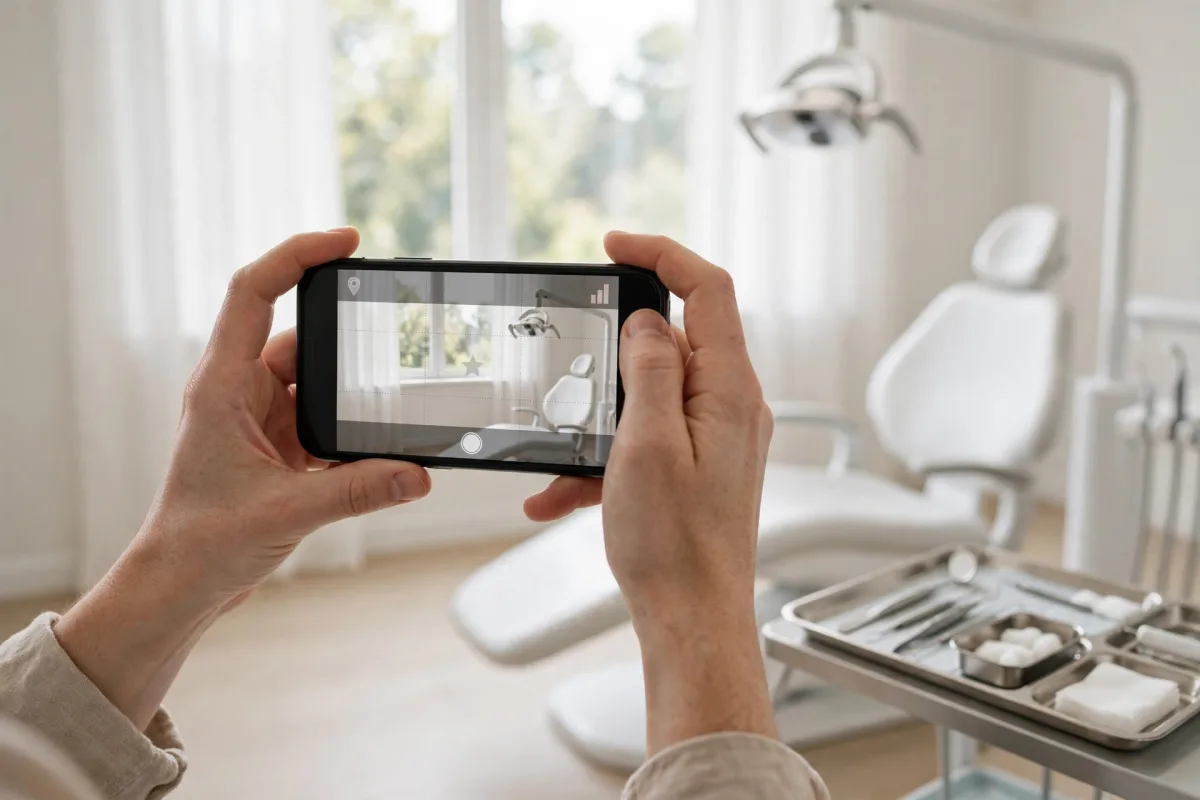
- Treatment room: An empty, tidy, bright room; a general view of the equipment.
- Sterilization area: A simple shot showing your hygiene setup.
- Team: Photos of dentists and staff, taken with their permission.
- Photos showing patients' faces, the inside of their mouths or treatment in progress
- Before-and-after comparison photos
- Shots with a patient name, X-ray or appointment list visible on a screen
- Stock images used as if they were your clinic's own photos
Privacy in replies to patient reviews
Dentist Google reviews are among the most-read parts of a clinic's profile. But writing replies in healthcare takes a different kind of care than in other sectors. Under personal data protection law, health information is special category data. Even if reviewers mention their own treatment, your reply shouldn't confirm or expand on it.
Apply these rules when replying:
- Don't use wording that confirms the person was treated at your clinic; avoid words such as "our patient", "your treatment" or "your appointment".
- Don't write any treatment, procedure, date or health detail.
- In a negative review, don't share information from records to defend yourself.
- Always move the conversation out of the review, to the phone or email.
- Keep the reply short and polite, remembering it's a public text.
An example reply to a negative review: "Thank you for your feedback. Due to privacy rules, we can't share details about any person or procedure here. If you'd like to discuss this, you can reach us at the clinic's phone number."
Take care when asking for reviews, too: ask everyone the same way, without pressure; don't pick only people you think were satisfied, and don't offer a discount, a free check-up or a gift to get reviews. You can flag a review you believe violates Google's content policies; whether it's removed is Google's decision. For the steps to reply, see Google's manage customer reviews page.
Appointment link and contact details
The patient's next step after the profile is usually an appointment. To make it easier:
- Phone number: Enter a number that's actually answered during opening hours.
- Appointment link: If you have an online booking system, add its link to the profile; make sure it opens the booking page directly.
- Website: Link to the page describing the clinic's services and dentists.
- Opening hours: Enter your real patient hours; add special hours for public holidays and vacations in advance.
- Attributes: Mark details such as a wheelchair-accessible entrance, parking or accepted payment methods accurately.
For clinics with several dentists or branches, tracking reviews and visibility can take time. As described on BadePlus's Google Business Profile management for doctors page, reply drafts that respect patient privacy can be prepared for reviews, and your clinic's visibility in surrounding neighborhoods can be monitored with map rank tracking.
Summary
- In a clinic with several dentists, the organization profile and dentist profiles are separate; a dentist profile's name contains only the dentist's name.
- List only services you actually offer, in informative language with no promises of results.
- Clinic photos shouldn't show patient faces, the inside of mouths, before-and-after comparisons or patient information.
- In review replies, don't confirm the person is a patient, don't write health details and move the conversation to the phone.
- Your phone number, appointment link, hours and attributes should be accurate and consistent with your website.