

Duplicate Google Business Profile: What to Do When Your Business Has Two Listings
Does your business have two listings on Google Maps? We explain why duplicate profiles happen, how to find them and how to report them with Google's official steps.
By BadePlus

Images are AI-generated.
If searching for your business on Google Maps shows two separate listings with the same name, address or phone number, you have a duplicate Google Business Profile problem. A duplicate can send customers to a listing with an old phone number or wrong hours, and it splits your reviews between two places.
Google's rule is clear: each business can have only one Business Profile, and according to Google's help page, profiles considered duplicates aren't shown on Google Search and Maps. Google, not you, decides which listing is shown. Here we explain how duplicates arise, how to find them and how to resolve them with the official steps on Google's help pages.
How do duplicate profiles happen?
Duplicates usually come not from bad intent but from small forgotten steps. The most common causes:
- An old profile you lost access to: If an employee, a former agency or an email account no longer in use created the profile years ago, the owner who lost access often creates a new one.
- Listings added by users: Google Maps users can add places they see missing from the map. A listing added before you created your profile can clash with yours.
- A new profile after moving: Google asks businesses that move not to create a new profile but to update the address on the existing one. A new profile leaves a duplicate at the old address.
- A separate profile for each service: Separate profiles for different services of the same business are, in Google's eyes, multiple listings for one business.
- A name or brand change: Creating a new profile from scratch under the new name turns the listing left under the old name into a duplicate.
Finding the duplicate
To check for duplicate listings on Google Maps, run a few different searches:
- Search for your exact name and its different spellings; try versions with and without Turkish characters too.
- Search for your current and old phone numbers separately.
- Zoom in on your address and check the markers on the same building or street one by one.
- If you have an old address, run the same searches there.
When you find two listings, first decide which one to keep. It's usually the listing that's verified, has accurate information and holds most of the reviews. Don't remove any listing until that decision is clear.
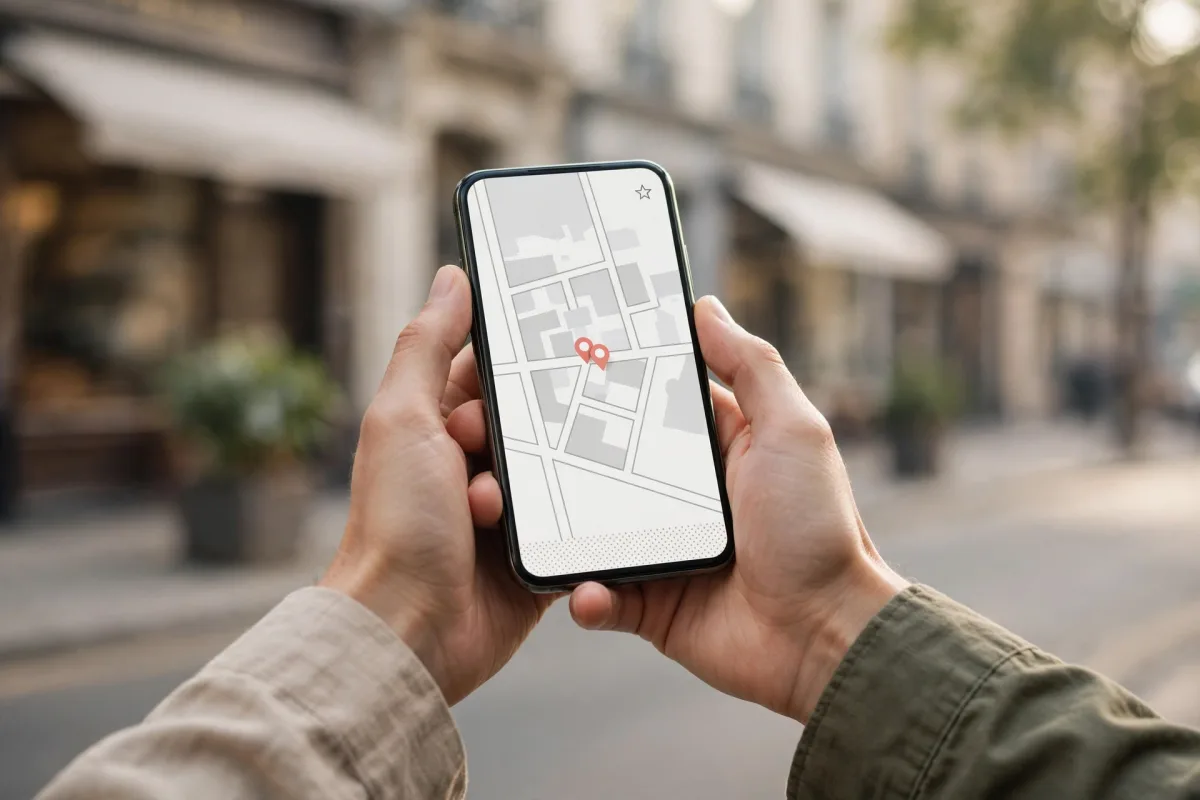
Reporting the duplicate to Google
What you do depends on who controls the duplicate. Google's help page on duplicate profiles describes three situations separately.
If no one manages the duplicate
For a duplicate on Maps that no one has verified, you suggest an edit from Google Maps:
- Open the duplicate listing on Google Maps.
- Select Suggest an edit.
- Select Close or remove.
- Choose the option stating that the listing duplicates another place; on Google's help page this option appears as "Duplicate of another place".
- Complete the requested information and submit.
If someone else has verified the duplicate
If another account has verified the duplicate, you can't remove it. Google then recommends requesting access from its current owner. If the owner doesn't respond or refuses, Google's next steps come into play. We cover this process in detail in our article how to request ownership of a Google Business Profile; for Google's own steps, see the request ownership of a Business Profile page.
If your profile was wrongly treated as a duplicate
If two separate businesses were wrongly treated as one listing or wrongly merged, Google recommends contacting its support team. To appeal, the two businesses must really be different. If they operate at the same location, Google may ask for photos of permanent signage clearly showing both businesses as proof.
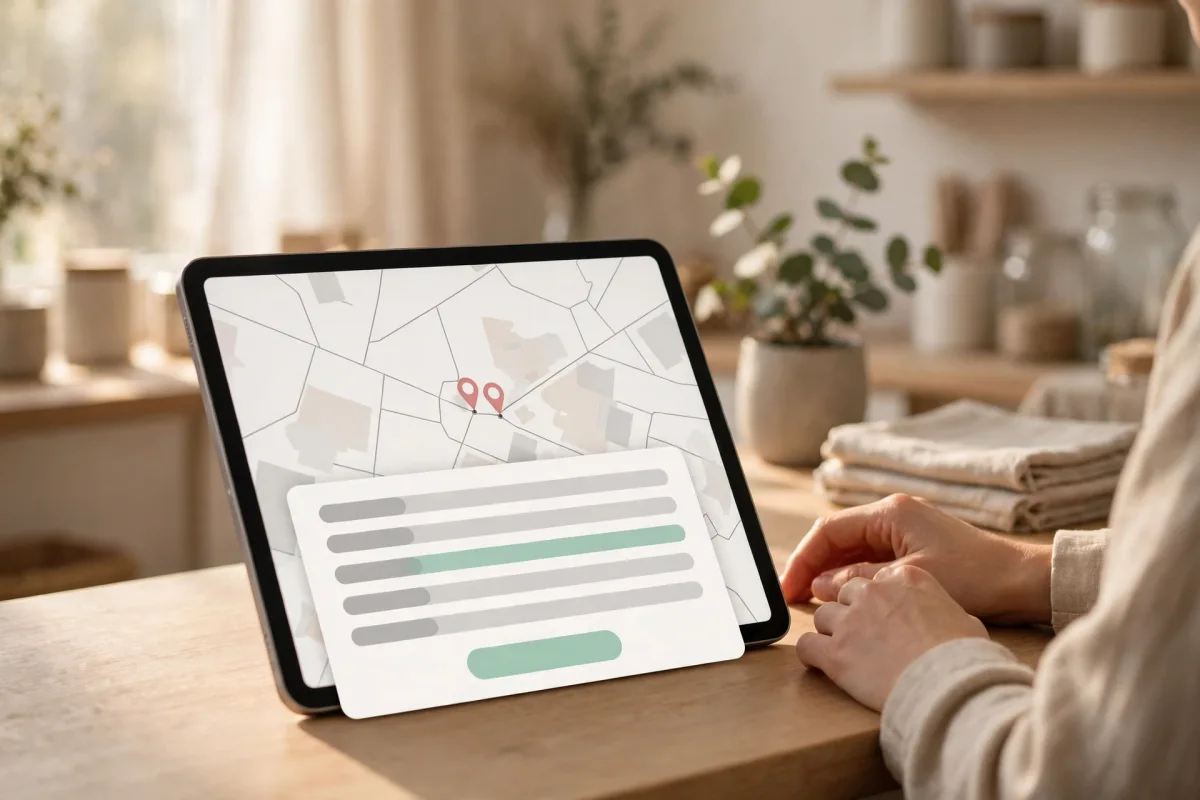
If you manage both profiles
If both profiles are in your account, Google's help page says you can remove the duplicate you created by mistake from your Google Account without affecting your verified profile. The steps Google describes:
- Go to the duplicate profile at business.google.com.
- Select the More icon, then Business Profile settings.
- Select Remove Business Profile, then Remove profile content and managers.
- Finish with Continue, Remove and Done.
The removal process also offers to mark the duplicate as permanently closed. This option is for businesses that have closed; remember that a listing marked closed while your business is open can confuse customers, and if you're unsure, get advice from the Google Business Profile Community or the support team.
To set up your profile correctly and in line with Google's rules from the start, or to fix missing and wrong information on an existing profile, you can use BadePlus's map setup service. Verification and merge decisions, however, always belong to Google.
What happens to reviews and photos?
The most common question about merging Google Business Profiles concerns reviews. Google's help page says that when two profiles are merged, their reviews are combined, but replies to reviews may be lost. The key condition is "when merged": whether to accept a merge request is Google's decision, and there's no certainty it will be accepted. Google also says that for a merge to succeed, both listings must represent the same business and have the same information.
Google's help page doesn't say what happens to photos after a merge. To prepare for this uncertainty:
- Save your replies: Copy your important review replies from the duplicate listing; you can rewrite them after the merge if needed.
- Download your photos: If you uploaded photos to the duplicate profile, download them first, then upload them to the profile you're keeping.
- Align the information: Make sure the name, address, phone number and category on the profile you're keeping are correct.

Frequently asked questions
How long does it take to remove a duplicate profile?
No definite timeframe can be given. Google reviews merge and removal suggestions and determines the outcome and timing.
Do the reviews on the duplicate move to the main profile?
According to Google's help page, if the two profiles are merged, the reviews are combined, but replies may be lost. Whether the merge happens is Google's decision.
How can I prevent duplicates?
Use one profile per location, update your address instead of creating a new profile when you move, and add more than one trusted owner or manager to reduce the risk of losing access.
Summary
- Under Google's rule, each business can have only one Business Profile; duplicates aren't shown on Search and Maps.
- To find duplicates, search Maps separately for your name, phone number and address, then decide which listing to keep.
- Report an unmanaged duplicate via Suggest an edit and Close or remove; for a duplicate someone else holds, request ownership.
- You can remove a duplicate in your own account through Business Profile settings; your content is permanently deleted.
- Whether reviews are combined in a merge and how long it takes are Google's decisions; save your replies and photos in advance.