

Google Business Profile for Cafes: Attributes and Photos
A Google Business Profile guide for cafes: category, attributes such as seating and Wi-Fi, space and product photos, menu information and popular times.
By BadePlus
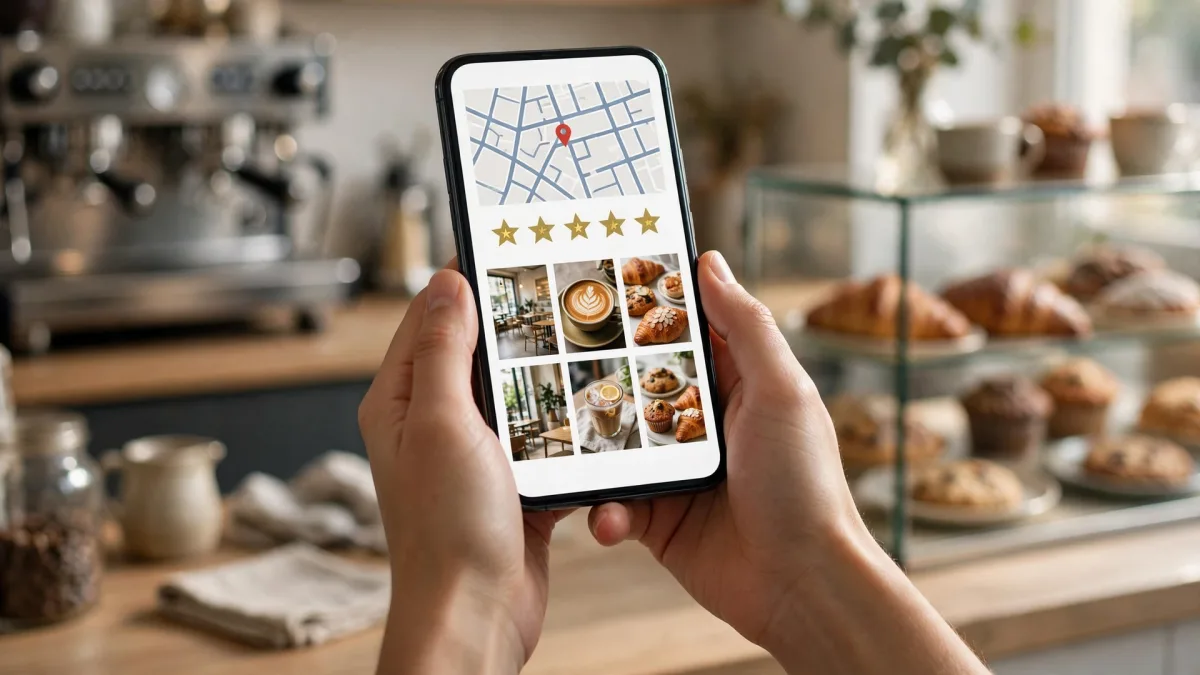
Images are AI-generated.
Choosing a cafe is often a decision of a few seconds. Customers open their phones, look at nearby cafes and decide based on the photos, the seating, whether there's Wi-Fi and whether the place is open right now. That's why a well-prepared cafe Google Business Profile is the shop window future customers see first. A student who wants to study, someone looking for a meeting spot and someone grabbing a coffee on the go look for different things; your profile should answer these questions in advance.
In this article, we focus on cafe-specific topics: the right category, the attributes section, choosing photos, menu information, reviews and the popular times section that Google calculates itself. The general advice we wrote for restaurants also applies to cafes; instead of repeating it here, we look at the details coffee shop–sized businesses often run into.
Cafe category and service options
Category is the core information that determines which searches Google matches your business with. Google states clearly on its category help page that the categories you choose affect your local ranking.
- Primary category: Choose the most specific category that best describes your business. If you mainly serve coffee and drinks, look at the cafe and coffee options in the list. You can't create your own category; if the list has no exact match, choose a general category that describes your business.
- Additional categories: Add one if you really offer a separate service. For example, if you also sell cakes you make yourself or serve breakfast regularly, an additional category can cover it. Don't pick a separate category for each product.
- A cafe inside another business: According to Google's example, a cafe run independently inside a gym isn't added as a category on the gym's profile; the cafe should have its own profile.
Attributes: seating, Wi-Fi, accessibility
For cafe customers, the attributes section is decisive. Google's own example is exactly what people ask about cafes: does the business have outdoor seating or Wi-Fi (Manage your business attributes)? Google also notes that when you add certain attributes, your business may appear in searches for places with them.
You edit attributes on your Business Profile under Edit profile and then More. The main areas cafes should review are:
- Amenities: Such as Wi-Fi and outdoor seating.
- Payments: Card payment, contactless payment or cash only.
- Accessibility: Wheelchair-accessible entrance, seating, restroom and parking.
Some attributes are filled in not by you but by answers from customers who visited. If you see an attribute on your profile that isn't accurate, correct it. Google notes that reviewing attribute edits is usually quick but can sometimes take up to 30 days.
Photos: space, products and exterior
At cafes, people look at photos even before the menu. Google says an exterior photo helps customers recognize your business (Manage your Business Profile photos and videos).
Which photos?
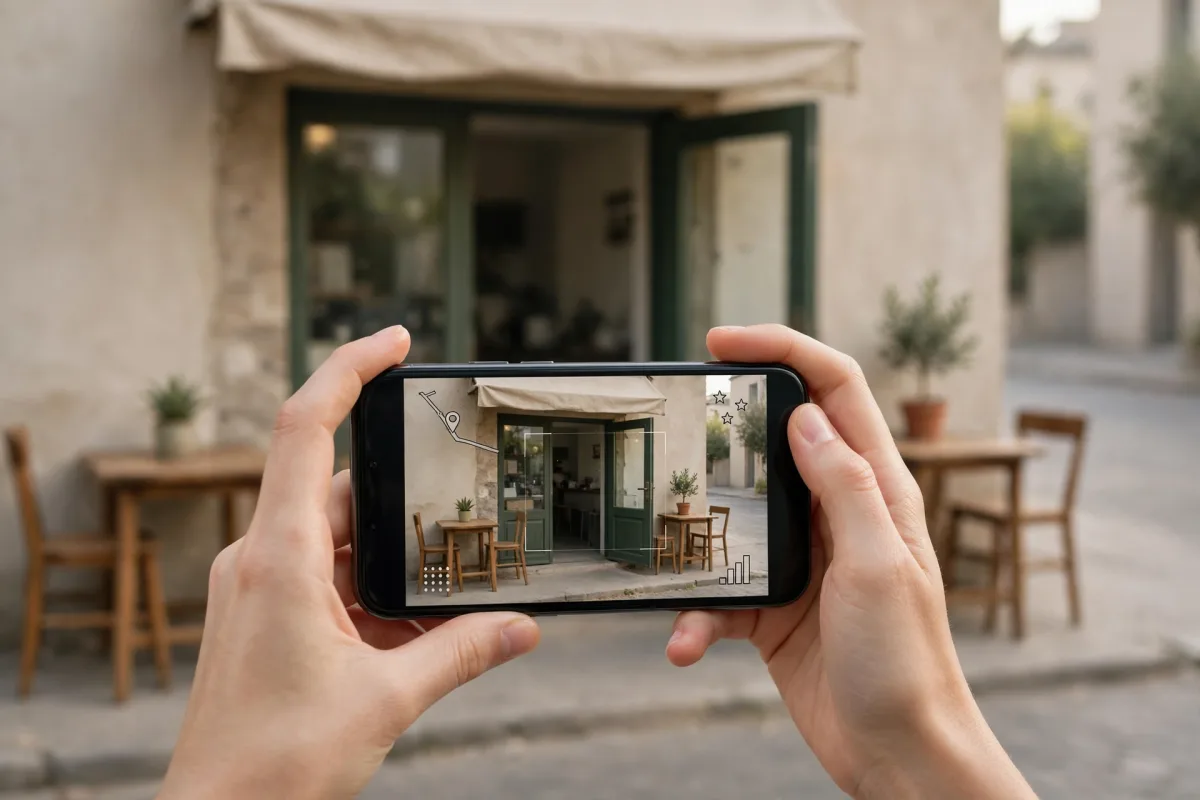
- Exterior: A clear daytime photo showing the door and entrance. If you're open in the evening, add one with the lights on as well.
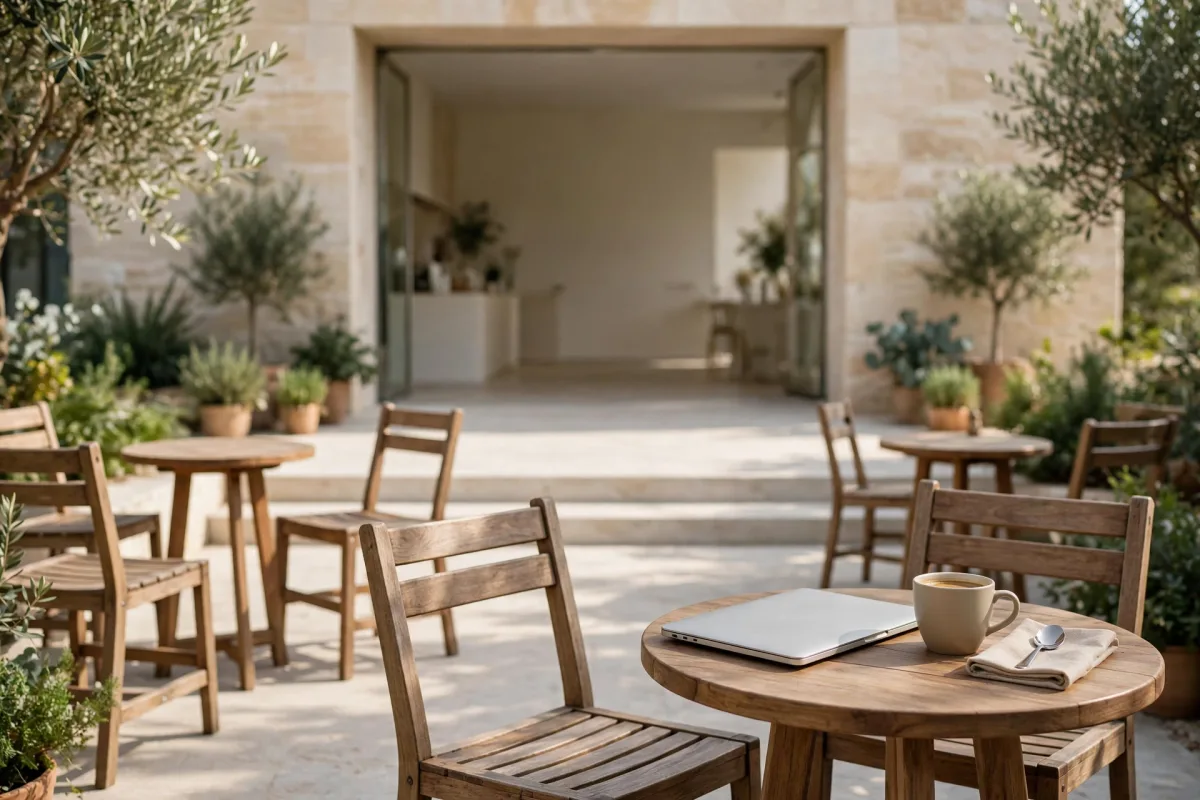
- Seating areas: The window seats, garden or terrace, long table, quiet corner. Customers want the photo to answer "Can I sit and work with a laptop?"
- Counter and preparation: The coffee machine, brewing equipment, display case.
- Products: Best-selling drinks, desserts and breakfast plates, exactly as you really serve them.
- Daylight difference: The same space looks different in the morning and evening; showing both sets the right expectations.
Photo rules
Google's recommended format is JPG or PNG, with a file size between 10 KB and 5 MB and a recommended resolution of 720 × 720 pixels. Photos should be in focus and well lit, without alterations or excessive filters. In short, a photo should represent reality. Uploaded photos can take 24 to 48 hours to appear on your profile.
Don't upload photos in which customers' faces are clearly visible without their permission. If you want to show a busy moment, choose a shot where no one is recognizable and the focus is on the space itself.
Logo, cover and refreshing
Add a logo and a cover photo that best represents your business. Google notes that if your cover photo is low quality or doesn't best represent the business, a photo added by users may be featured instead. So choose your sharpest, brightest photo for the cover.
The newest photos are shown first on the profile. Adding new photos when you rearrange the space, when seasonal products arrive or when you open the garden shows that your profile is current. Don't forget to remove photos of the old layout.
Menu and price information
Google notes that in food and drink categories such as restaurants, a menu link and menu items can be added to the profile. If these fields appear for your cafe's category, don't leave them empty. Points to watch in menu information:
- Keeping it current: Seasonal drinks and price changes should show on the profile too. A customer who saw the old price and is disappointed at the register often turns into a negative review.
- A readable menu photo: If you add a menu photo, it should be straight, well lit and readable.
- Options such as plant-based milk and gluten-free desserts: Customers ask about these often; state them clearly on the menu.
Cafe reviews and replies
Cafe Google reviews are often short and concrete: the taste of the coffee, speed of service, whether the internet works, whether there are outlets, noise. These reviews give you a free feedback list. If a complaint keeps coming up, fix it at the business first, then mention it briefly in your reply.
Reply to every review; instead of copy-and-paste, mention the details in the review. Don't get defensive with negative reviews; acknowledge the problem and explain what you did. You'll find examples to use when writing replies in our guide to replying to Google reviews. When asking for reviews, use the same simple sentence with everyone; offering a free treat or a discount to get reviews breaks Google's guidelines.
About the popular times section
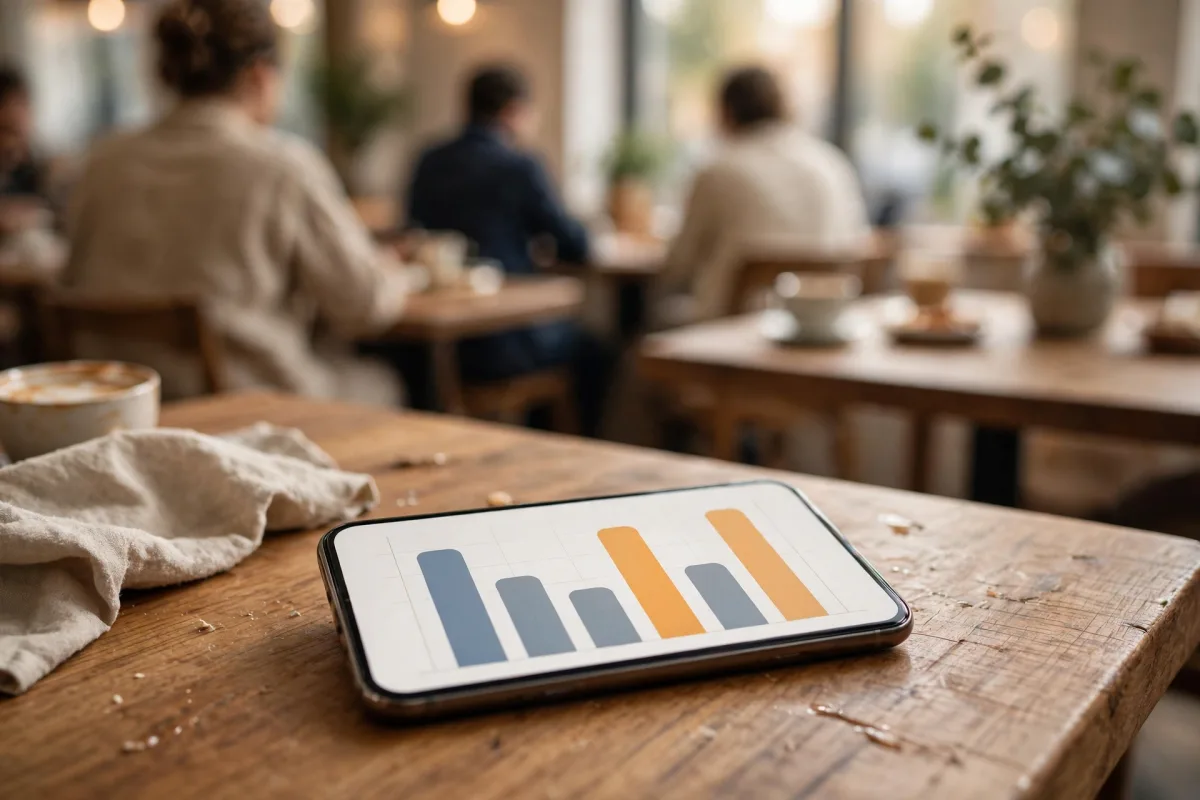
The popular times chart on your profile answers the customer's question "If I go now, will I find a seat?" The business owner doesn't fill in this section: Google calculates it from anonymized, aggregated visit data from users who agreed to share their location data. You can't add, change or remove popular times manually; for businesses without enough data, the section may not appear at all.
What is in your hands is your opening hours. Keep your regular hours accurate, and enter special hours for holidays and special days. That way, customers see correctly both when you're open and when you're busy.
If you want to run review replies, weekly posts and map rank tracking for cafes and restaurants from one panel, BadePlus's restaurant Google Business Profile management page is built for cafes too.
Summary
- Choose the primary category that best describes your business; use additional categories only for separate services you really offer.
- Mark Wi-Fi, seating, payment and accessibility attributes accurately.
- Keep exterior, seating area, counter and product photos real and current.
- Keep menu and price information current, and reply to cafe reviews by mentioning the details.
- Google calculates popular times; what's in your hands is accurate opening hours.