

Getting Your Google Business Profile Ready for the Year-End Sales Season
Preparing your Google Business Profile for the sales season: special hours, offer posts, products and replying to reviews on busy days.
By BadePlus
Images are AI-generated.
As the year ends, many businesses enter their busiest weeks: sale days, New Year shopping, longer or shorter opening hours and holidays. In this period, many people do a quick check on Google before visiting: Is it open? Is there a sale? Is the product I want there? Preparing your Google Business Profile for the sales season early is the simplest way to answer these questions correctly and have fewer customers turn back at the door.
Here we explain step by step what to update on your profile before New Year and year-end campaigns, what to watch during the busy season and what to clean up once it's over. Don't leave everything to the last week: Google reviews some edits, and how long that takes can't be known in advance.
Entering special hours in advance
The most common busy-season problem is profile hours that don't match the real hours. If you stay open late on sale days, close early on December 31 or don't open at all on January 1, show this with special hours.
According to Google's special hours page:
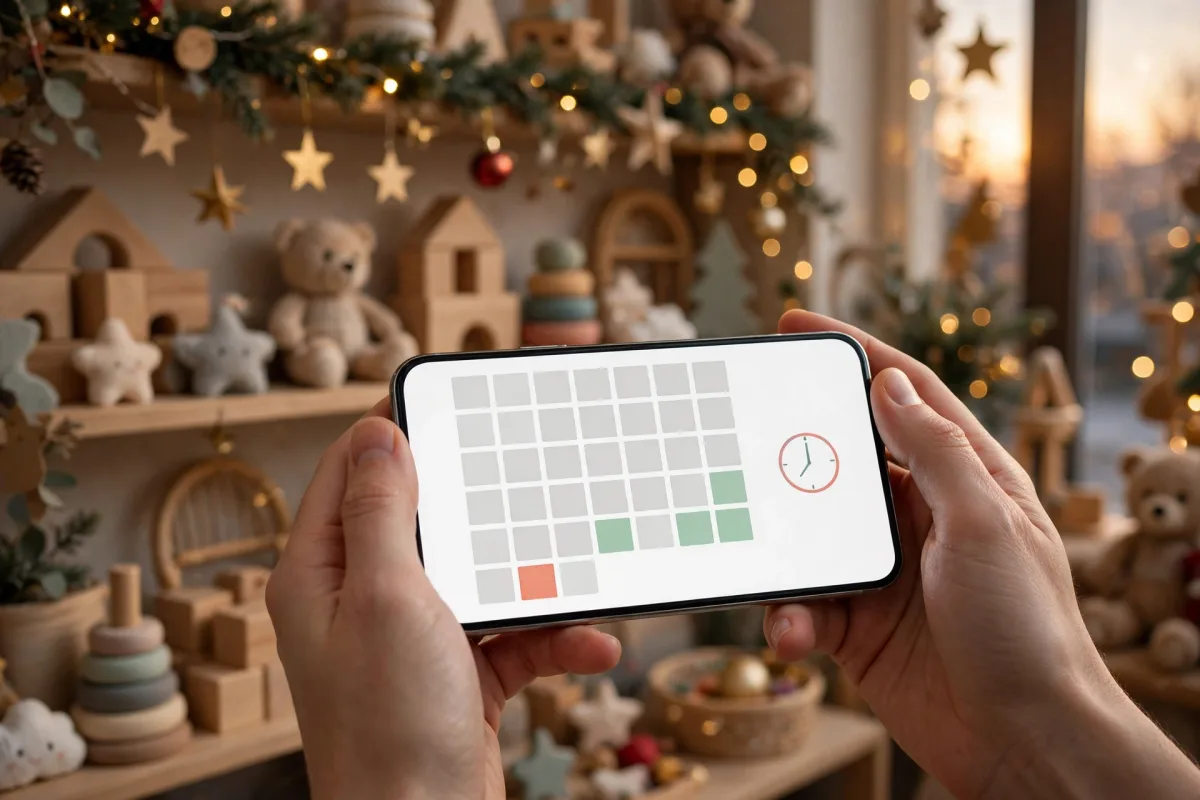
- Special hours are for different hours and closures lasting 6 consecutive days or less. For closures of 7 days or more, or of unknown length, the "Temporarily closed" option is used.
- Special hours replace that day's regular hours.
- Hours past midnight are split into two groups; for example, if you're open from evening to morning, enter the first day's hours until midnight and the next day's morning hours separately.
- Google recommends confirming your hours on public holidays, even if they match your regular hours.
Planning offer posts
The best way to promote your year-end campaign on your profile is an offer post. In an offer post you enter a title and date range; a description, photo, coupon code, link and terms are optional. For a detailed walkthrough, see our article promoting your campaign on Google Maps with an offer post.
When preparing a year-end sale post:
- Make the title specific. Instead of "Big deal", say what's on sale, such as "Year-end sale on winter coats" or "Discount on the second item in New Year gift sets".
- Enter the date range correctly. Use the campaign's real start and end days. An expired campaign that still looks current misleads customers.
- State the terms clearly. If it's limited to stock, valid only on certain products or can't be combined with other offers, add this to the terms.
- Don't promote a discount that isn't real. Sale announcements are subject to consumer protection rules; show the previous price and the discount honestly, and consult an expert if you're unsure.
- Use real photos. Your own photo of the sale product or your shop window builds more trust than a stock image.
Updating product and service information
The product and service information on your profile gets some of its most views in the sales season. Before it begins:
- Review the Products section. Remove products you no longer sell and add New Year gift sets or gift items. If you list prices, keep them current.
- Check your service list. Add services you offer specially for this season, such as gift wrapping, home delivery or shopping by appointment.
- Update attributes. If delivery, in-store pickup or payment options have changed, edit them.
- Add photos. Upload real photos of the window display, shelves or packages you've prepared for the season.
- Check the description. Don't put campaign text in the business description; the description introduces your business permanently, while campaigns belong in posts.

Replying to reviews during the busy season
The busy season brings more Google Maps traffic and, with it, more reviews. Negative reviews about crowds, waiting times, out-of-stock products or late deliveries are more likely. Prepare in advance:
- Set a time to check reviews. Even on busy days, have someone check reviews once a day.
- Write short, personal replies. Don't paste the same template under every review; address what the review mentions.
- Acknowledge the problem and offer a way to fix it. For a complaint about waiting or a delay, apologize and invite the customer to get in touch by phone or email.
- Don't promote your campaign in replies. Google also recommends sharing new information about your business rather than offering deals or promotions to reviewers.
- Don't include personal information. Don't share the order's contents, the address or a phone number in a reply.
For more reply examples, see our guide how to reply to Google reviews.
Cleaning up at the end of the season
Once the season is over, the profile shouldn't carry traces of it. In the first week of January, run these checks:
- Check that expired offer posts had correct date ranges and no longer look current.
- Make sure special hours were entered only for the relevant days and that your regular hours are correct.
- Remove seasonal products and services you no longer sell.
- Check that every review received during the season has a reply.
- Take notes for next year: which hours fell short, which product people asked about most, which post got attention.
Frequently asked questions
What should I do if I'm closed on New Year's Day?
Mark that day as "Closed" in special hours. If your closure will last 7 consecutive days or more, use the "Temporarily closed" option instead of special hours, and mark the profile as open again once your reopening date is known.
What happens to an offer post when the campaign ends?
If you entered the date range correctly, the post shows the campaign's dates. Still, open your profile when the season ends and check expired offer posts; delete any that are no longer current. According to Google's help page, posts without a date range are archived after 6 months.
How quickly should I reply to reviews on busy days?
Google recommends replying in a timely way but doesn't set an exact time. In the busy season, aim not to let reviews pile up for days and, if possible, reply the same day or the next. Especially with reviews about waiting or delivery problems, a late reply also misses the chance to fix things.
Summary
- Enter special hours for sale days, New Year's Eve and New Year's Day weeks before the season.
- Promote your year-end campaign as an offer post with a date range, terms and real photos.
- Update product, service and attribute information before the season starts; spread the changes over a few days.
- Check reviews daily in the busy season; write short, personal replies with no personal information.
- When the season ends, clean up expired offers, seasonal products and hours, and take notes for next year.