

Google Business Profile Guidelines for Towing, Locksmith, and Moving Companies
Google Business Profile guidelines for locksmiths, towing, and moving companies: address and service area, real-world name, verification, and what to avoid.
By BadePlus
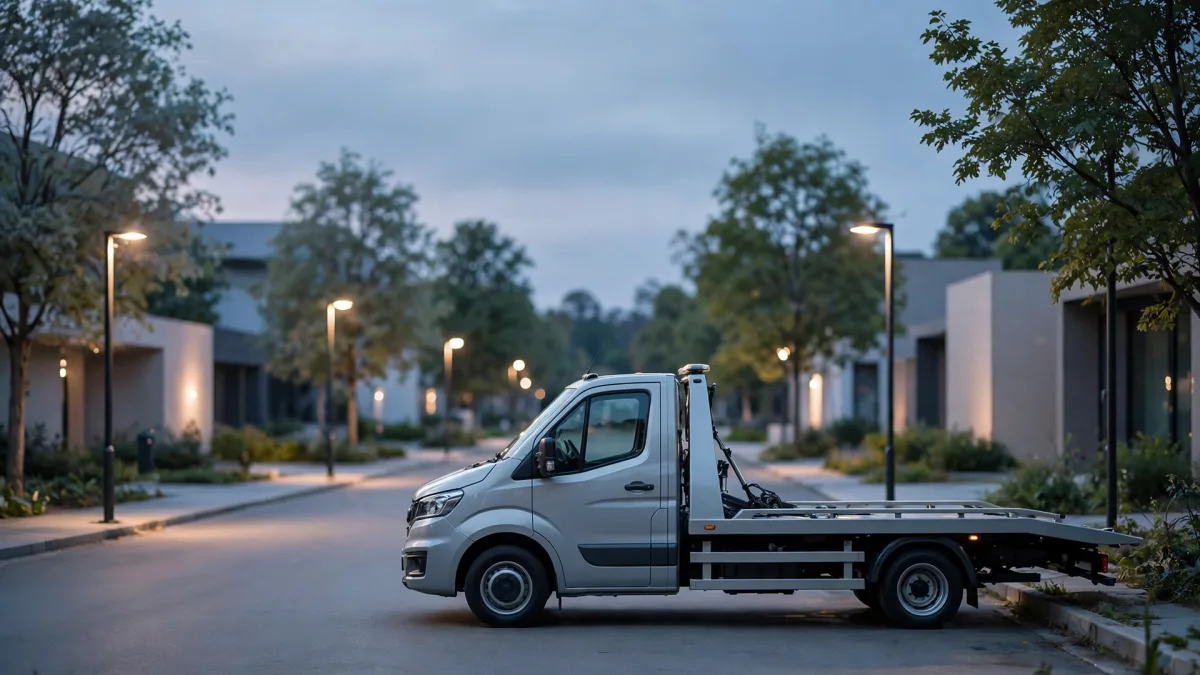
Images are AI-generated.
Someone locked out, a driver broken down on the road, or a family moving tomorrow usually calls one of the first numbers they see on the map. This urgent, on-site nature makes locksmith Google Business Profile listings, and towing and moving company profiles, very valuable; it also makes these industries a target for fake and misleading listings. So even the smallest inconsistency in these profiles can get an edit rejected, put the profile under review, or lead to a suspension.
This article looks at Google Business Profile guidelines through the eyes of these three industries: address and service area, the business name, verification, what to avoid, and why to make changes one at a time. The goal isn't quick results but a profile that stays trouble-free for the long term.
Why does Google watch these industries more closely?
Google doesn't publish figures on how closely it watches each industry. But its guidelines and verification process point to this:
- Customers are in a hurry: Someone locked out or stuck by the road doesn't compare options at length; a tow truck found in Google Maps results is often called right away. So a misleading listing can cause direct harm.
- The work is mostly done in the field: Confirming that a business with no shop, one that goes to its customers, really exists is harder than for a storefront business.
- There is no tolerance for misleading listings: Google's prohibited and restricted content policies don't allow Maps to be used to mislead users. If a business turns out not to be at the location it claims, the profile can be disabled.
Address and service area rules
In these three industries, the most common mistakes involve the address. Google's guidelines are clear:
- If you don't serve customers at your address, hide it. Most towing and locksmith businesses, and some moving companies, are service-area businesses: they go to the customer and don't receive customers at their business address. Google then asks you to hide the address and enter a service area instead.
- If you receive customers at an office and also go to them, you're a hybrid business. For example, a moving company with an office that receives customers can show its address on its Google Business Profile and also add a service area. The conditions: staff are there during business hours, customers are received there, and the address has permanent signage with the company's name.
- Don't use virtual offices, PO boxes, or shared office addresses. Addresses that are rented but not operated from aren't eligible. A co-working desk can't be listed either unless it meets the signage, customer, and staff requirements.
- One profile per real location. Service-area businesses may have only one profile for their entire service area. If you truly have branches at different locations with different staff, each can have its own profile; a single-team company creating a profile for each neighborhood violates the guidelines.
Using the real name on your sign
Your profile name is the name your company uses in the real world: exactly as it appears on your sign, invoices, vehicles, and business cards. Google's guidelines don't allow adding marketing taglines, service or product information, location information, phone numbers, or hours to the name, and state plainly that this may get your profile suspended.
Common mistakes in these industries:
- Adding a neighborhood or city to the name.
- Adding service words or claims such as "emergency," "24/7," or "cheapest" to the name.
- Putting a phone number in the name.
- Registering the same company several times under different names.
If your name really contains a service word, meaning it always appears that way on your sign and documents, you can use it as is. Google may ask for real-world proof such as signage, business cards, or invoices for some elements of a name; keep these documents ready.
Verification and requests for extra documents
Google decides the verification method; the owner can't choose it. The methods on Google's Verify your business on Google page include phone or text, email, video recording, live video call, and postcard; which ones are offered depends on the business's type, region, and information.
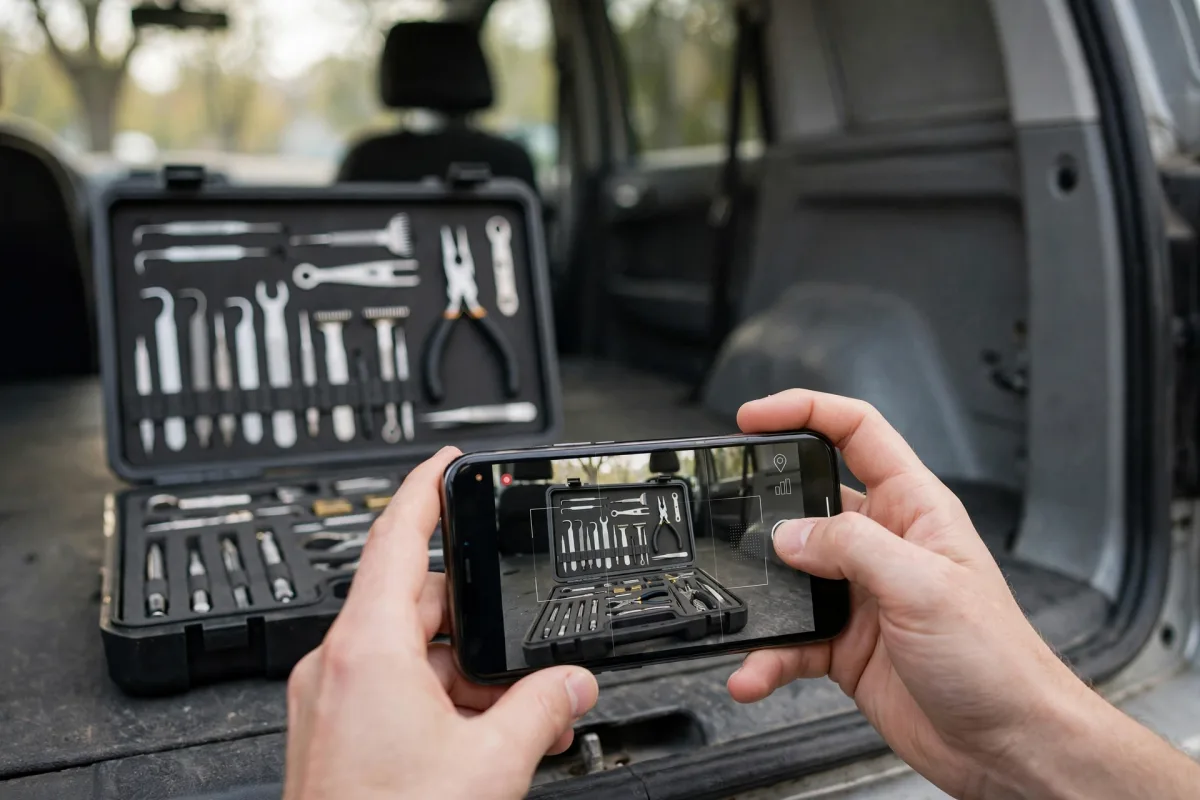
If you're asked to verify by video or video call, you should be able to show:
- Location: Surroundings, nearby businesses, or the street that confirm where you are.
- Business and equipment: The tow truck, the locksmith's tool kit, the moving vehicle and equipment, a vehicle or work clothes with your company's name.
- Proof of management: Staff-only areas, non-sensitive business documents, or opening the office or warehouse with your own key.
What not to do on your profile
- Don't write "24/7" unless it's true. Enter the hours when you actually answer the phone and provide service. If you work 24 hours every day, show that in your hours; there's no need to repeat it in the name or description.
- Don't make superiority claims. Phrases like "closest," "fastest," or "cheapest" can't be verified, and Google's description guidelines don't consider price- and promotion-focused content appropriate. State plainly which services you offer, which areas you cover, and how long you've been in business.
- Don't add unrelated categories. A towing company should choose a car rental category only if it actually does that work. Google asks for the fewest categories that describe your core business.
- Don't create a second profile for the same place. Replacing a suspended or problematic profile with a new one makes things worse; Google explicitly asks you not to create a new profile for the same business during an appeal.
- Don't use a number you don't control. Your phone number should be directly under your company's control; numbers that redirect to another page or number, and premium-rate numbers, aren't accepted.
- Don't use stock photos. Add photos of your actual vehicles, equipment, and completed jobs.
Make changes slowly, one at a time
When you decide to fix your profile in a closely watched industry, changing everything on the same day can be tempting. Instead, make changes one at a time and space them out:
- Make one change and wait for the outcome. Google reviews changes before publishing them. Per its help page, this usually takes minutes but can sometimes take up to 30 days.
- Be careful with sensitive fields. After name, address, or category changes, Google may ask you to verify again. Touch these fields only when something has really changed.
- Note what you changed. Record what you changed and when; if a problem comes up, the cause is easier to find.
- Don't add things in bulk. Rather than adding dozens of services, photos, or service areas at once, proceed a few days apart.

Summary
- On locksmith, towing, and moving profiles, hide your address if you don't serve customers there, and define a realistic service area.
- The profile name is the real name on your sign; no neighborhood, service, "emergency," or phone number is added.
- Google decides the verification method; keep proof such as registration, license, tax documents, and bills ready.
- Avoid "24/7" unless it's true, superiority claims, unrelated categories, a second profile, and stock photos.
- Make changes one at a time and space them out; results and timing are Google's decision.