

Google Business Profile for Beauty Salons: Services and Photos
A beauty salon Google Business Profile guide: listing services separately, booking and contact, salon photos, review replies, and avoiding health claims.
By BadePlus
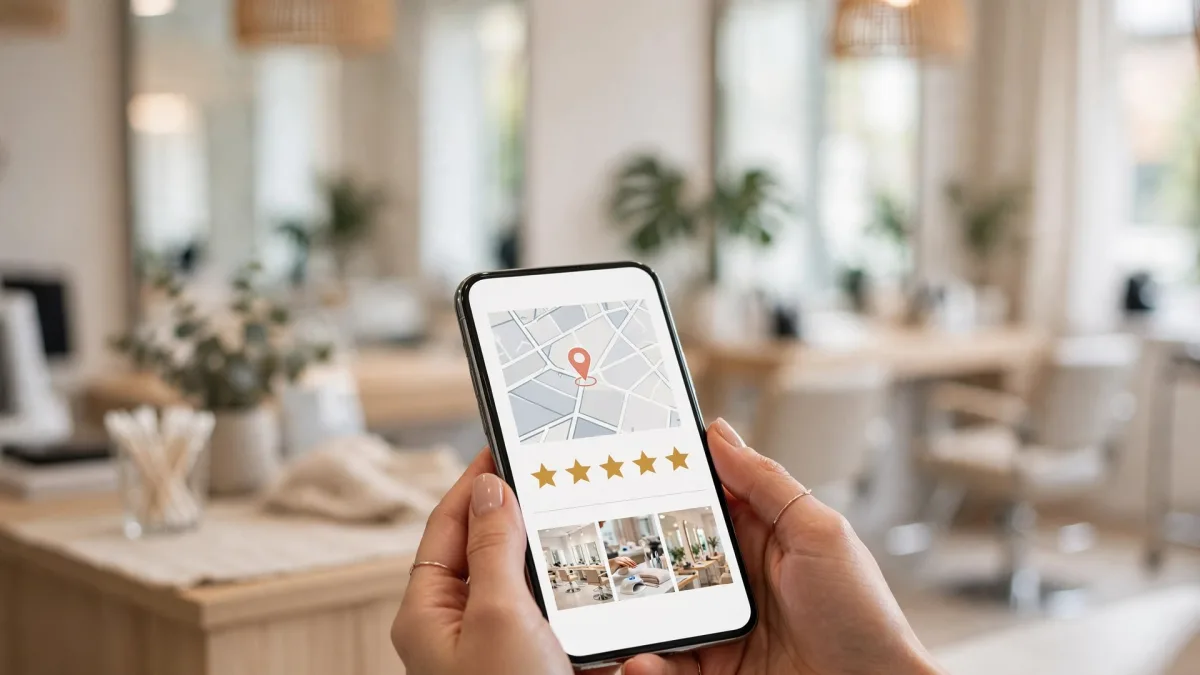
Images are AI-generated.
Someone looking for a new salon for facials, manicures, brow shaping, or waxing usually starts on their phone and decides based on the first few salon profiles they see. A well-prepared beauty salon Google Business Profile shows that person on one screen whether you offer the service they want, what your salon looks like, and how to book. An incomplete or messy profile, however good your salon is, can send the customer to the next option.
This article covers a beauty salon's profile step by step: services, booking and contact, photos, review replies, and wording. However well the profile is prepared, Google decides who appears where in searches.
List services separately
The first step is the right primary category: pick the option in Google's list that describes your business most accurately; add other work you really offer as additional categories. Don't add a category for work your salon doesn't do. Google asks that categories not be used merely as keywords.
Then enter your services one by one. Instead of a generic heading like "beauty services," create separate items in the words customers search for:
- Classic facial
- Manicure and pedicure
- Brow shaping and lash treatments
- Waxing
- Bridal and special occasion makeup
Your business description matters too. According to the same Google page, the description shouldn't exceed 750 characters, shouldn't include links, and should focus on details of your business rather than promotions or prices. Describe plainly which services you offer, what sets your salon apart, and how long you've been in business.

Booking and contact
Most beauty salons work by appointment, so a key job of your profile is making booking easy.
- Phone: Make sure your profile number is actually answered during business hours. Google notes that you can add two more numbers besides your primary number.
- Booking link: According to Google, some business categories can add extra links such as reservations or appointments alongside the website. If you have an online booking system, fill in this field.
- Hours: Enter the hours when you take appointments correctly. Use special hours for Bayram and other holidays, and add hours you extend during busy periods.
- Posts: You can announce a new service or open appointment days with a post. Instead of writing a phone number in a post, add the "Call now" button; Google says it may remove posts containing unverified contact information.
Salon photos and privacy
On a beauty center's Google Maps profile, photos are where customers decide whether to trust your salon. Add real, current, well-lit photos:
- Exterior and entrance: Google notes that exterior photos help customers recognize your business. If your salon is on an upper floor, show the entrance too.
- Waiting area and treatment rooms: Photos of clean, tidy, empty rooms convey the salon's atmosphere.
- Hygiene practices: Single-use supplies, a sterilization area, and tidy counters build trust.
- Products you use: You can show your shelves and treatment supplies.
Don't present stock images from the internet or AI-generated images as real photos of your salon. What customers see when they arrive should match the images on the profile.
Replying to reviews
Beauty salon Google reviews are among the sections new customers read most. Replying to every review shows the reviewer and every reader that your salon cares about its customers. For general rules on writing replies, see the guide how to reply to Google reviews; a few points specific to beauty salons:
- Don't repeat treatment details in the reply. If customers didn't mention which treatment they had, don't mention it either. Don't refer to personal details such as skin condition in your reply.
- Don't argue in reply to a negative review. A short thank-you and apology, followed by an invitation to contact you directly, is enough.
- Don't make commitments. Don't write offers of compensation like "your next treatment is on us" in a public reply; discuss the solution privately.
Follow the rules when collecting reviews too: after the service, send your review link to everyone in the same neutral message. Offering gifts or discounts to get reviews violates Google's policies.
Avoid wording with health claims
Beauty services are close to health care, which is why your wording matters. Avoid phrases like these in your profile description, service descriptions, posts, and review replies:
- Words suggesting that a treatment cures, heals, or solves a disease
- Result claims such as "definite results," "permanent solution," or "visible difference after the first session"
- Unverifiable claims such as "painless," "leaves no marks," or "no side effects at all"
- Superiority claims such as "the best in the area" or "the city's most expert salon"
Instead, describe the treatment neutrally: what is done, how long it takes, which products are used, and what the customer should know beforehand. For example, a description like "Classic facial: a treatment of about one hour consisting of cleansing, peeling, and mask steps" both informs and makes no claims.
If you manage several salons, or businesses offering both hair and beauty services, see the beauty and hair salon section on the BadePlus solutions page: ready reply drafts for reviews, scheduled posts from your own photos, and tracking of your map position in neighborhood searches come together in one panel.
Frequently asked questions
Can I add a customer's before-and-after photos to my profile?
Only with the customer's explicit consent and in a way that doesn't identify them. Because such photos can be read as a promise of results, don't use wording with claims in their descriptions.
Can I create a separate profile for each service?
No. Creating more than one profile for the same place violates Google's guidelines. Show all your services on a single profile, as separate items in the service list.
Should I put prices on my profile?
You can add prices to your services in the services editor. If you do, keep them current; when prices change, update the profile the same day.
Summary
- Choose the primary category that describes your business most accurately, and list services separately with the words customers search for.
- Keep your phone number, booking link, and hours accurate; use the "Call now" button in posts.
- Add real, current salon photos; use customer photos only with explicit consent and without identifying the person.
- Reply to reviews without personal details or commitments, specifically to each review.
- Avoid wording with health, definite-result, or superiority claims; describe treatments neutrally.