

How to Ask Customers for Google Reviews: Rule-Compliant Ways
How to ask for Google reviews: one request for everyone, the right moment, review links and QR codes, sample messages and practices that break Google's rules.
By BadePlus
Images are AI-generated.
Anyone who finds your business on Google also checks the reviews before deciding. That's why steady reviews based on real experiences are among the most valuable parts of your profile. Google sets clear rules here: asking customers for reviews is allowed, but how you ask is limited. In this article we build a rule-compliant request routine step by step.
The goal isn't to collect many reviews fast, but to ask every customer, with equal ease, "Would you like to share your experience?" Once asking becomes part of your daily routine, reviews spread out over time and your profile stays current.
Google's review rules: the same request for everyone
Google lets you ask customers for reviews and recommends using a link or QR code. The limits are set out in its prohibited content policy. In short:
- No incentives. Offering a discount or a free product or service for posting a review, or for changing or removing a negative one, is prohibited.
- No selective asking. Asking only for positive reviews, trying to block negative ones or requesting specific content is against the rules.
- No targets for staff. Expecting employees to collect a set number of reviews, or reviews that name a specific employee, is also prohibited.
- No pressure. Don't push customers to write a review or give a rating while they're at your business.
- Conflict-of-interest content can be removed. This covers reviews by your employees, family members or business contacts.
Google can remove reviews that break the rules; if violations continue, further action on your profile may follow. Google decides which reviews stay up.
The right moment: right after the service
The most natural time to ask is while the experience is fresh. A customer who has just been served clearly remembers what they liked or what was missing and can say it in a few sentences.
This moment depends on your business:
- Shops, cafes, restaurants: at payment or with the bill.
- Appointment-based businesses (hairdressers, clinics, consultancies): after the appointment, in a short same-day message.
- On-site services (plumbing, cleaning, moving): once the job is done, with the handover or invoice message.
- Online orders and delivery: after delivery, following the delivery notification.
If there's an unresolved problem, focus on solving it first; the request should still reach the customer through the same flow as everyone else. Keeping a customer at the register to write the review there may count as pressure. Leave the decision and timing to the customer.
Review link and QR code
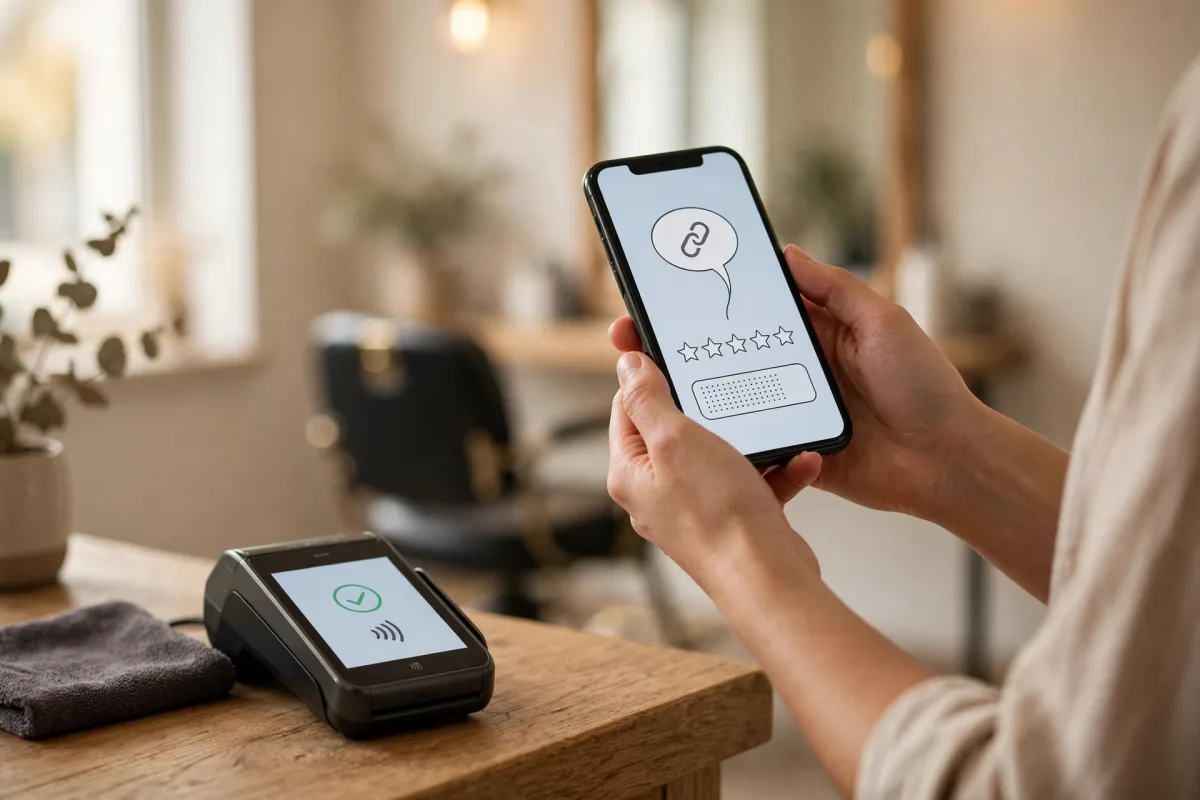
Customers shouldn't have to search for your profile to leave a review. Google Business Profile lets you create a review link that opens the review window directly and a QR code leading to that link. You'll find both under "Ask for reviews" when managing your profile in Google Search or the Maps app. Menu names change as the interface is updated, so check the current path on Google's tips to get more reviews page.
Where to use the link and QR code:
- A small table card by the register or on tables
- A card added to the invoice, receipt or delivery package
- The message sent after an appointment or delivery
- Your email signature and your website's contact page
- Before sharing the link, test it on a phone not signed in to your profile account. Make sure it opens the right profile and the review window.
- Print the QR code large enough to scan easily with a phone; don't place it on glossy or reflective surfaces.
- Customers must sign in with a Google Account to write a review. Those who don't use Gmail can create one with another email address.
- If you have several locations, each has its own link; don't mix up table cards between locations.
How to write the request message
A good review request is short, polite and free of steering. It doesn't tell customers what to write, how many stars to give or what to cover; whether to share is up to them.
Follow these principles when writing it:
- Same text for everyone. Don't use requests that vary by customer or go only to some.
- Nothing in return. No discount, free treat, prize draw or offer on a future purchase.
- No steering. Don't suggest words like "positive" or "if you liked it," a star count or a ready-made sentence.
- No intermediate step. Include only the review link; don't put a pre-screening survey in between.
"Hello, thank you for choosing us today. If you'd like to share your experience on Google, you can use this link: (your review link). Your feedback matters to us."
Sample for a table card:
"Would you like to share your experience on Google? Just scan the QR code with your phone's camera."
If you send messages in bulk, also review your legal consent obligations for commercial messages, and send the same message to every customer who has agreed to be contacted.
Practices to avoid
These practices may seem to work in the short term, but they break Google's rules and put the profile you've built at risk:
- Offering a discount, free treat, gift or free product to get reviews
- Running a satisfaction survey first, then sending only happy respondents to Google and the rest to an internal form
- Sending requests only to customers you're on warm terms with
- Expecting a specific star rating or a ready-made sentence
- Setting review targets for employees or asking for employee names in reviews
- Employees, relatives or acquaintances reviewing your profile
- Paying for reviews or working with people who promise them
- Offering a customer something to remove a negative review
Replying to incoming reviews
Once the routine is in place, reviews arrive regularly, and replying to all of them on time becomes a job of its own. Replies are public; short, polite replies without personal information build trust in your profile. For sample replies, see our guide how to reply to Google reviews.
If you get many reviews, BadePlus's AI-assisted review replies feature drafts a reply for each review; replies go live with your approval or under the permission you give.
Frequently asked questions
How do I get Google reviews?
Send customers your review link or QR code and ask them to share their experience. Shortcuts usually lead to practices that break the rules; the lasting way is to send every customer the same request.
What should I do if I get a negative review?
Reply briefly and calmly to show you're ready to listen, and move the details to phone or email. If the review violates Google's rules, you can report it; Google decides whether to remove it.
Can I ask past customers for reviews too?
Yes, as long as they had a real experience. Here too, don't pick and choose: send the same message to every customer who has agreed to be contacted.
Summary
- Google lets you ask customers for reviews; incentives and selective asking are prohibited.
- Tie the request to a fixed step, such as after payment, delivery or an appointment.
- Use the review link and QR code at the register, on invoices and in messages.
- Keep your message short, the same for everyone and free of steering.
- Reply to every review briefly and without personal information.