

What to Do When Google Changes Your Business Information
Google sometimes updates profile information on its own. We explain where to see the change, how to decide on it and what to do if it comes back.
By BadePlus

Images are AI-generated.
One morning you check your profile and find different opening hours, a changed phone number or a map pin moved a few streets away. Many owners who notice a change they didn't make say the same thing first: "Google changed my business information." This happens often and is usually not an error or an attack, but a result of how Google gathers information.
Relying only on Google's own help pages, this article covers why the change happens, where to see it, how to decide and what to do if the same update returns. One principle up front: accepting or reverting a change made by Google is the profile owner's decision; whether an edit goes live is still Google's call.
Why does Google change business information?
Google doesn't take profile information from a single source. According to its help page, information is compiled from:
- Public web content, such as the business's official website
- Licensed data from third parties
- Users who contribute addresses, phone numbers, photos, reviews and more (profile owners included)
- Information based on Google's interactions with places and businesses in the area
In some regions, languages and categories, Google may also confirm your information by sending an automated call, text message or WhatsApp message to your verified phone number. Your answers can also be used to update your profile. So answer such questions from Google carefully and accurately.
Where do you see the change?
Google's help pages describe a few signs:
- Blue text: In the profile editor, information changed by Google is shown in blue. Black or white text means there's no Google update in that field.
- Notification at the top of the page: If there are Google updates to your profile, you'll see a notification at the very top of the page and an alert in the "Edit profile" section.
- Email or in-product notification: Some user-suggested edits are notified to you before they're published.
- Collected information: Where this feature is offered, a section under "Edit profile" shows the source and date of information Google has collected, and you can delete what you don't want. Deleting it doesn't change other details on your profile.
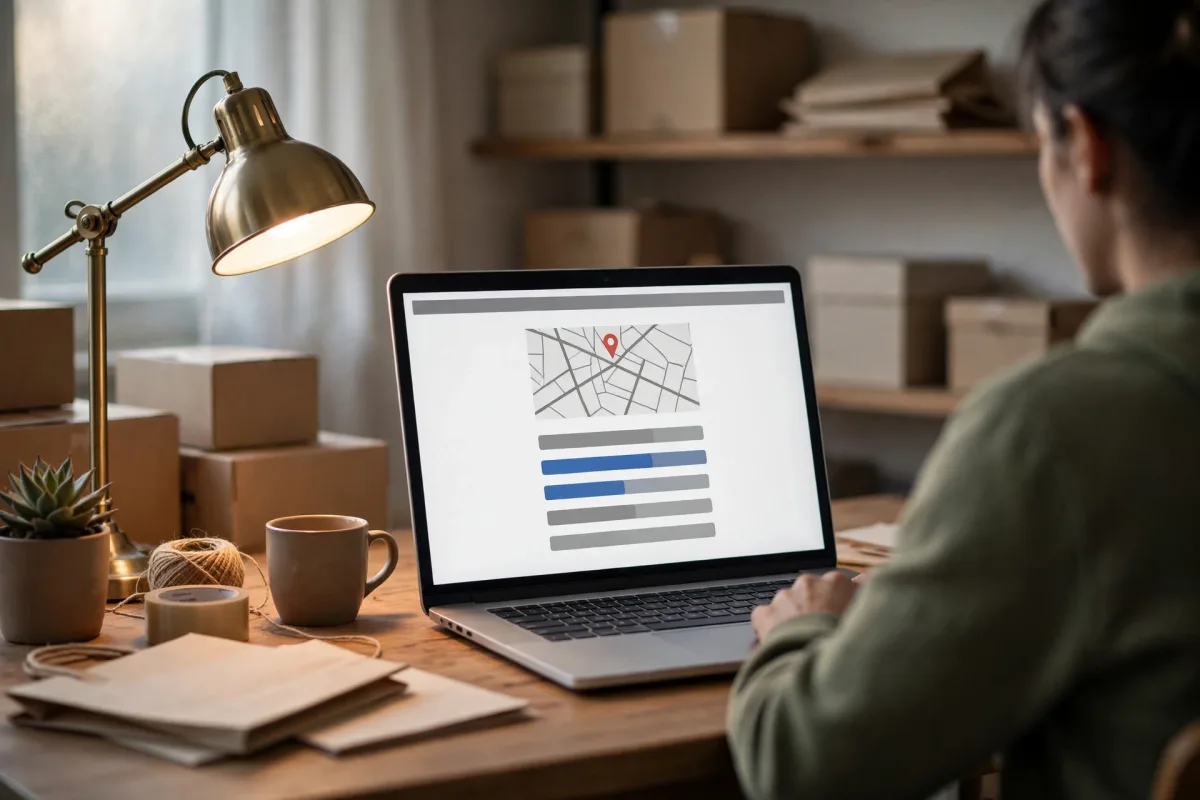
Rejecting or accepting a suggestion
If a user-suggested edit needs your review, you have 4 days after the notification to accept or reject it. If you don't respond in that time, Google may publish the update automatically when the suggestion is supported by other public information, such as your website. Keep in mind that, under its policy, Google may also apply some suggestions without asking you first.
When deciding, follow this order:
- Read the change: Which field changed, and what are the old and new values? Open the field shown in blue to compare.
- Compare it with reality: If the new information is correct (for example, you really switched to a new phone line and forgot to update the profile), accepting is the cleanest route.
- If it's wrong, correct it: On-screen options vary by field and profile. Google says you can always keep information accurate by updating your profile directly; saving the field again with the correct information is a route you can use in every case.
- Follow the outcome: Your edit will show as pending, accepted or not approved. Review usually takes a short time, sometimes up to 30 days; no exact time can be given. Google also notes that it may be possible to appeal information edits that weren't approved.
If the same change comes back
If information you corrected changes again a few days or weeks later, the source feeding Google the wrong information is still out there. Making the same correction over and over isn't a lasting fix; you need to find the source:
- Check the contact, address and hours details on your website. Make sure no different information remains on subpages, in the footer or on old campaign pages.
- Bring the details in the directories, social media accounts and booking systems you're listed in into the same format.
- Make sure your sign and door number are readable from outside; photos taken by users are also a source.
- If you bulk-update several locations with a spreadsheet, take care: according to Google, automatic updates may be applied to fields you leave blank.
The lasting fix: consistent information and evidence
There's no way to stop Google updates completely. But when your profile matches the information elsewhere, Google has nothing left to correct. The lasting fix has three parts:
- Consistency: Write your name, address, phone, hours and website the same way everywhere. This is also the basis of map optimization work.
- Evidence: A photo of your exterior and sign, a web page showing your current hours, an address that matches official records. These are the public sources Google turns to when confirming information. When your hours change, update your profile and website on the same day.
- Regular checks: Once a week, open your profile and look for blue fields, notifications or pending suggestions. To avoid missing the 4-day window, regularly read the email address that receives Google's notifications.

Frequently asked questions
Is Google's change a penalty?
Google's help page describes these updates not as a penalty but as edits that help keep the profile accurate. Still, don't ignore the change: wrong hours or a wrong phone number keep being shown to customers until you correct them.
What happens if I never notice the change?
For user suggestions, if the 4-day window after the notification passes, the suggestion may be published when other public information supports it. Updates made by Google itself stay on the profile until you step in. That's why regularly checking notification emails and the blue fields in the profile editor is the easiest way to catch a problem while it's small.
If I reject a change, will it stay away?
Nothing can be said for certain. As long as the source feeding Google the wrong information isn't fixed, the same update may come back. The lasting fix, as described above, is making your information consistent everywhere.
Summary
- Google may update your profile based on sources such as websites, licensed data and user contributions.
- Information changed by Google appears in blue in the profile editor, and a notification appears at the top of the page.
- For user suggestions you have 4 days after the notification; if you don't respond, the suggestion may be published.
- Correct a wrong change with accurate information; take special care with map pin and category changes.
- If the same change keeps coming back, find the source and make your information consistent everywhere.