

Adding Your Restaurant Menu to Google Maps and Keeping It Current
A step-by-step guide to adding a restaurant menu to Google Maps: menu links, menu photos, current prices and replying to menu-related reviews.
By BadePlus
Images are AI-generated.
The menu is among the first things people check after finding a restaurant on Google Maps: what's on it, how the prices look, whether the dish they want is really there. So adding a menu to Google Maps isn't a one-time setup but upkeep repeated as prices and dishes change. A menu photo with old prices can become disappointment at the table and a negative review.
This article covers ways to show your menu on Google, menu photos, current prices, special-day changes and replying to menu reviews.
Menu link or menu editor?
There are three ways to show your menu through your Google Business Profile; for most restaurants, using them together works best.
Menu link
Depending on your category, your profile may have a field for a menu link. It opens the menu page on your website. Points to watch:
- The link should lead to a page that loads fast and reads well on a phone. A large PDF is hard to read there.
- Your menu page should be text; an image-only page loads slowly and is harder for search engines to understand.
- The linked page should show the same prices as the rest of your profile's menu information.
Menu editor
In Google's own menu area, you create sections and add dishes with their name, description and price. According to Google's Edit your Business Profile page, the menu editor is only for food and drink businesses. Google decides whether it's available in every category and country; if you can't see the Google Business Profile menu area on your profile, use a menu link and menu photos.
If you use the menu editor:
- Order sections the way customers think: starters, mains, desserts, drinks.
- Briefly describe what's in each dish; details customers often ask about, such as allergens or spiciness, help.
- Remove dishes you no longer serve.
Menu photos
A photo of your printed menu matters, especially for restaurants without a menu link. The next section covers it.
Menu photos
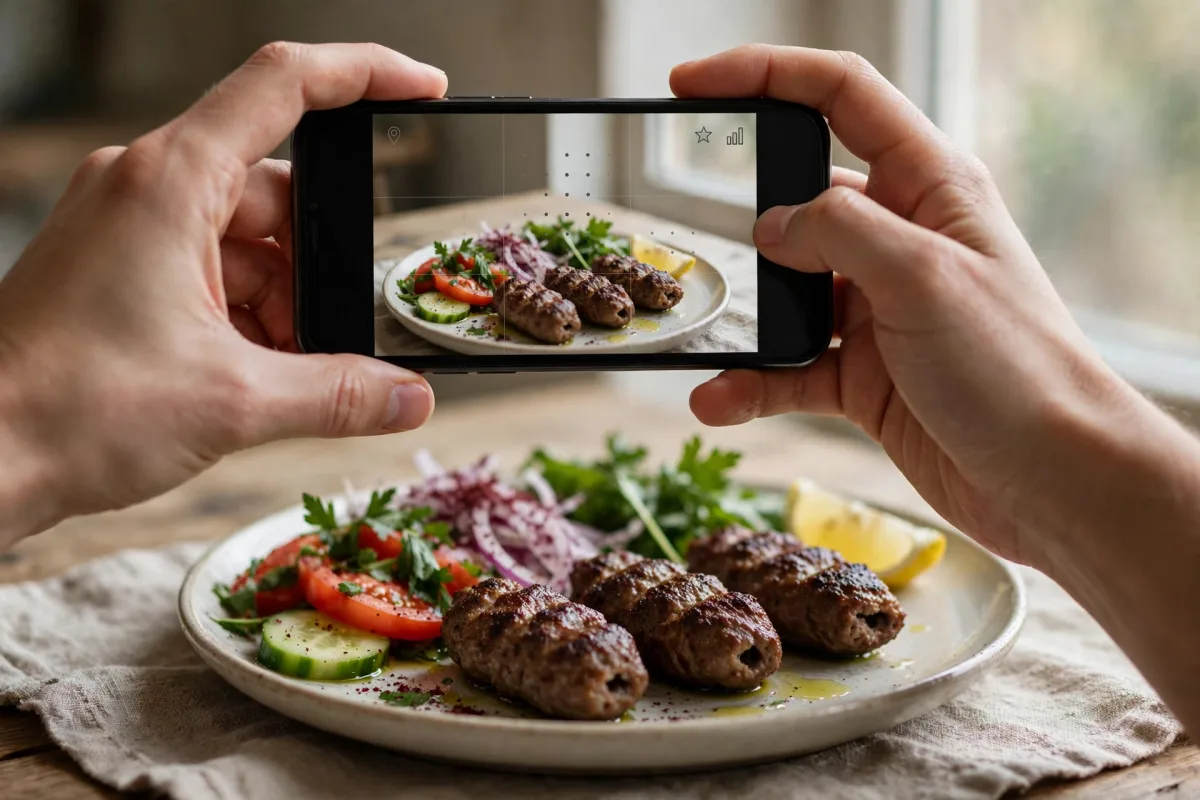
Google wants profile photos to be in focus, well lit, unaltered and not heavily filtered. Menu photos add one more criterion: readability.
- Shoot each menu page separately, straight on and without glare. Don't let a table lamp or window light make the text shine.
- Don't crop the page edges; keep the price column visible.
- When prices change, add a new photo and remove the old one.
Customer photos may show menus with old prices. According to Google's manage your photos and videos page, you can request removal of customer photos; Google decides. Still, regularly adding current menu photos works best.
Keeping prices current
A price change must be updated in several places at once. A Google Maps menu update alone isn't enough; wherever customers see a price, it should be the same figure. Prepare a change list and follow it in the same order every time:
- Printed menu and the price list at the register
- The menu page on your website (the page the profile's menu link opens)
- The menu editor on Google
- Menu photos (add the new one, remove the old one)
- Menus on the ordering and reservation platforms you use
The same discipline applies to seasonal dishes: remove a dish whose season has ended and add the new season's items. A dish on the menu but not in the kitchen is among the inconsistencies customers notice most easily.
Menu and hours changes on special days
An iftar menu during Ramadan, a special menu for the Eid holidays or New Year's, a Mother's Day set menu: announce such temporary menus separately instead of replacing your permanent menu.
- Announce a temporary menu with a post. For a special menu on set dates, an event or offer post works; list its contents and validity dates.
- Mind your permanent menu. If you add temporary dishes to the menu editor, remember to remove them when the period ends.
- Enter special hours separately. For hours that change during holidays, on New Year's or at iftar time, don't change your regular hours; enter special hours. Once the special day passes, your regular hours apply again.
- Mark the days you'll be closed. A customer turned away at a closed restaurant's door can easily become a negative review.
Replying to menu-related reviews
Menu-related reviews usually fall into a few types: prices seen as too high, a dish on the menu being unavailable, the online price differing from the register, and expectations about portions or ingredients. When replying:
- Start with thanks; don't get defensive. If the review has a fair point, acknowledge it openly.
- Say what you fixed. If the menu or prices were updated, say so briefly.
- Don't write personal information. Don't mention the customer's order details, table or visit time in the reply.
- Don't get into a price debate. One sentence on what sets the price is enough; don't compare yourself with other businesses.
"Thank you for your review. You helped us notice that old prices were still on our online menu; we've updated our menu page and our menu on Google. We apologize for the confusion and would love to welcome you again."
For a review saying a dish on the menu wasn't available that day, a reply might read:
"Thank you for your feedback. We make this dish only in season and hadn't noted that on our menu; we've updated the menu with this information. On your next visit, we'd like to suggest another option from our kitchen."
Both replies follow the same path: thanks, acknowledging the problem, the fix made and a short invitation. Such a reply also shows later readers of the same review that the problem was solved. You'll find more practical tips for restaurants in our article Google Business Profile for restaurants: 9 practical tips.
If you'd like to run menu, post and review tasks in one dashboard, see our Google Business Profile management for restaurants page: BadePlus drafts review replies in your restaurant's tone, plans weekly menu posts and reminds you of public holidays in advance; you can write special hours to Google for all your branches in one go.
Frequently asked questions
Why can't I see the menu editor on my profile?
The menu editor is only for food and drink businesses and may not be available in every category or country; that's Google's decision. Make sure your primary category describes your business accurately; if the field still doesn't appear, use a menu link and menu photos.
Is a PDF menu enough?
A PDF link is better than nothing, but it's hard to read on a phone. A text menu page on your website serves customers and search engines better.
Summary
- Show your menu three ways: a menu link, the menu editor (if your profile has it) and readable menu photos.
- Show the same price on every channel; when prices change, update them in order from a single list.
- Announce temporary special menus with posts, and changed hours with special hours.
- Reply to menu-related reviews with thanks, acknowledgment and what you fixed, without writing personal information.