

Google Business Profile for Hair Salons and Barbers: Bookings, Photos and Reviews
Google Business Profile for hair salons and barbers: the right category and services, booking link, salon photos, asking for reviews and hours on busy days.
By BadePlus
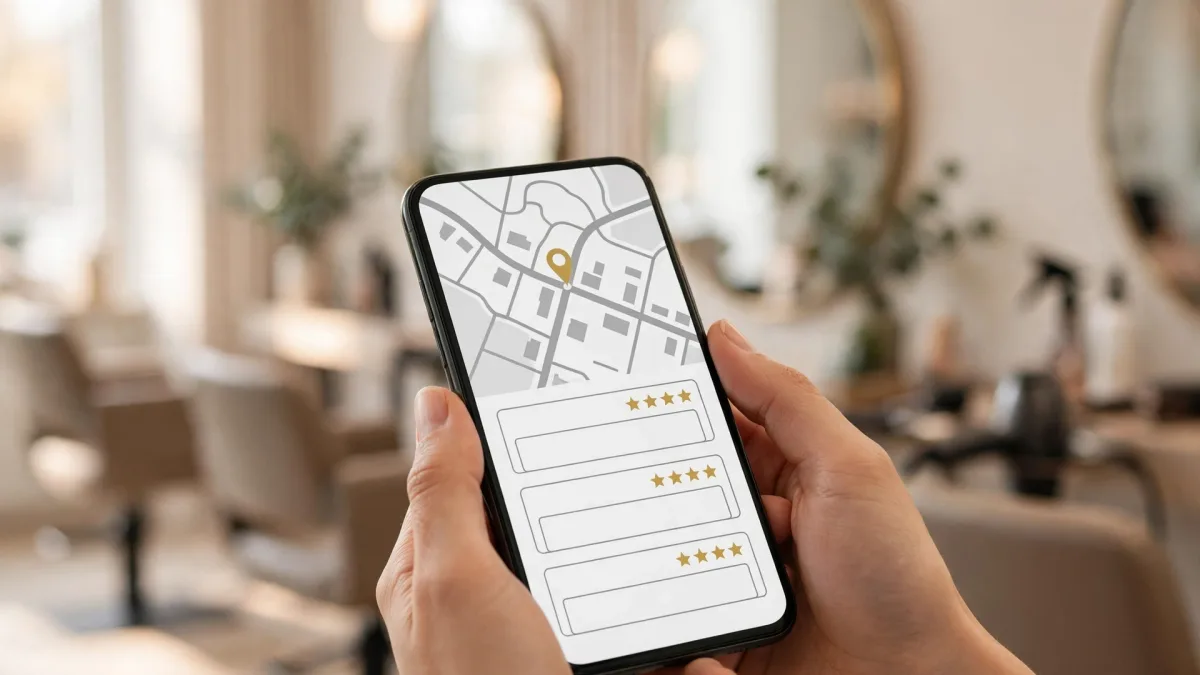
Images are AI-generated.
People looking for a new hair salon or barber may decide by checking nearby salons' photos, reviews and hours on Google Maps. So a hair salon's Google Business Profile is its shop window: the right category, a complete service list, a working booking link and current photos help customers choose you.
Here we cover step by step the five areas that matter most on hair salon and barber profiles: categories and services, the booking link, photos, asking for reviews and busy-day hours. Every step follows Google's rules, and you can do it yourself.
The right category and service list
Your primary category tells Google what your salon fundamentally is; Google recommends the most specific category that best describes your business. Type words like "hair salon", "barber" or "beauty salon" into the category box and Google shows the options on its list; choose the one describing the service at the core of your business.
- Primary category: If you mainly do men's haircuts and beard shaves, a barber category is more accurate; for women's hair care and coloring, a hair salon category fits better.
- Additional category: If your salon really offers a separate service, such as manicures or skin care, add it as an additional category. Never add a category for a service you don't offer.
- Service list: Add each service, such as haircuts, blow-drys, coloring, highlights, keratin treatment, beard shaves and children's haircuts, with a short description. If you add prices, keep them current; an old price can lead to an awkward conversation at the salon.
Also check the attributes section for accessibility, payment options and similar details; ticking the ones your category offers that fit your salon answers customers' questions before they arrive.
Booking link
When customers can book a hair appointment straight from your Google profile, they move to the next step without leaving it. Google notes that, depending on category, health and beauty businesses can add a booking button.
To add a booking link, Google's help page gives these steps:
- Open your Business Profile on Google Search and select Bookings. In the Maps app, go through the Edit profile screen instead.
- Choose the action type and select Add link.
- Enter your booking page's address and select Save.
Then test it on your phone: does it open the booking page directly, and is that page easy to use on mobile? Without an online booking system, make sure your phone number is correct and answered during working hours.
Work photos and salon images
For hair salons and barbers, photos let customers get to know the salon before visiting. Consider adding these:
- Exterior and entrance: Helps customers find the salon easily on the street.
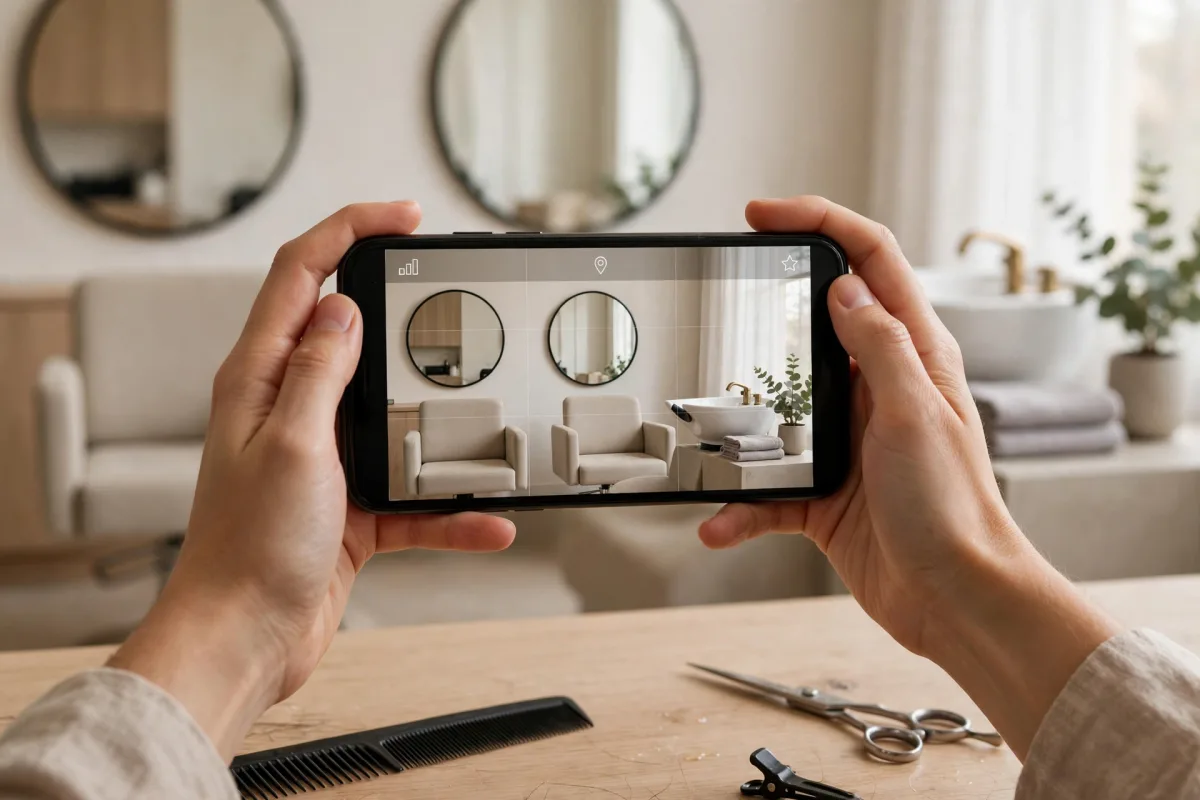
- Salon interior: Chairs, mirrors, the wash area and the waiting area show your salon's layout and cleanliness.
- Work area and equipment: Tidy counters and well-kept tools build trust.
- Examples of your work: Photos of your haircuts, coloring or beard work are the most direct way to show your style.
Keep photos real: don't present stock or AI-generated images as real photos of your salon. For steps to add and manage photos, see Google's manage your Business Profile photos and videos page. Refreshing photos as seasons change or after a renovation shows your profile is current.
The natural moment to ask for a review
Hair salon Google reviews are among the first things new customers check when deciding. The most natural moment to ask is when the service is done and the customer checks their new look in the mirror one last time. A QR code card by the till at payment, or a short thank-you message afterward, are easy ways to use that moment. We explain how to prepare the link and QR code step by step in our article how to create a Google review link and where to share it.
When asking:
- Ask everyone the same way: Offer the link to everyone, not only to customers who seem satisfied.
- Don't offer anything in return: Offering a discount, a free treatment or a complimentary drink to get reviews is against Google's rules and counts as fake engagement.
- Keep it short and neutral: For example, you could say: "If you'd like to share today's experience on Google, you can scan the code at the till."
Opening hours on busy days
The days before public holidays, wedding season and weekends are the busiest times for salons. If you open earlier or close later than usual then, enter special hours for those days instead of changing your regular hours. Your weekly hours stay intact, and customers see the right hours for that day. Google's special hours page explains how to enter them.
These steps also help in busy periods:
- Enter closed days in advance: If you're closed on public holidays or vacation days, mark those as special hours too.
- Announce extended hours: Use Add update on your profile to share a short note about your extended hours and appointment demand.
- List the hours you actually work: Don't show times you aren't really open as open. A customer who finds the door closed when the profile says open may not come back.
Frequently asked questions
I offer both hair salon and barber services. Can I create two profiles?
If you're one business serving customers at one place, you need a single profile. Make your main work the primary category and the other an additional one. Two independent businesses at the same address with different names and separate signs, however, can have separate profiles under Google's rules.
Can I share my customer's hairstyle on my profile?
Only with your customer's explicit consent. Without consent, choose shots that don't show the face or details that could identify the person.
Why can't I see the booking button?
Booking options depend on category and region. Make sure your primary category describes your business correctly; if the option still isn't there, this feature may not be available for your profile.
Summary
- Your primary category should describe your salon's core business; list your services one by one with short descriptions.
- Add your booking link through Bookings or Edit profile and test it on a phone.
- Share real photos of the salon's interior, entrance and work examples; use customer photos only with explicit consent.
- Ask for reviews right when the service ends, from everyone the same way and without offering anything in return.
- On busy days and holidays, enter special hours instead of changing your regular hours.