

Google Business Profile Posts: What to Share and How Often
A practical guide to Google Business Profile post types, topics that suit posts, how often to share, and how to prepare post text and images.
By BadePlus
Images are AI-generated.
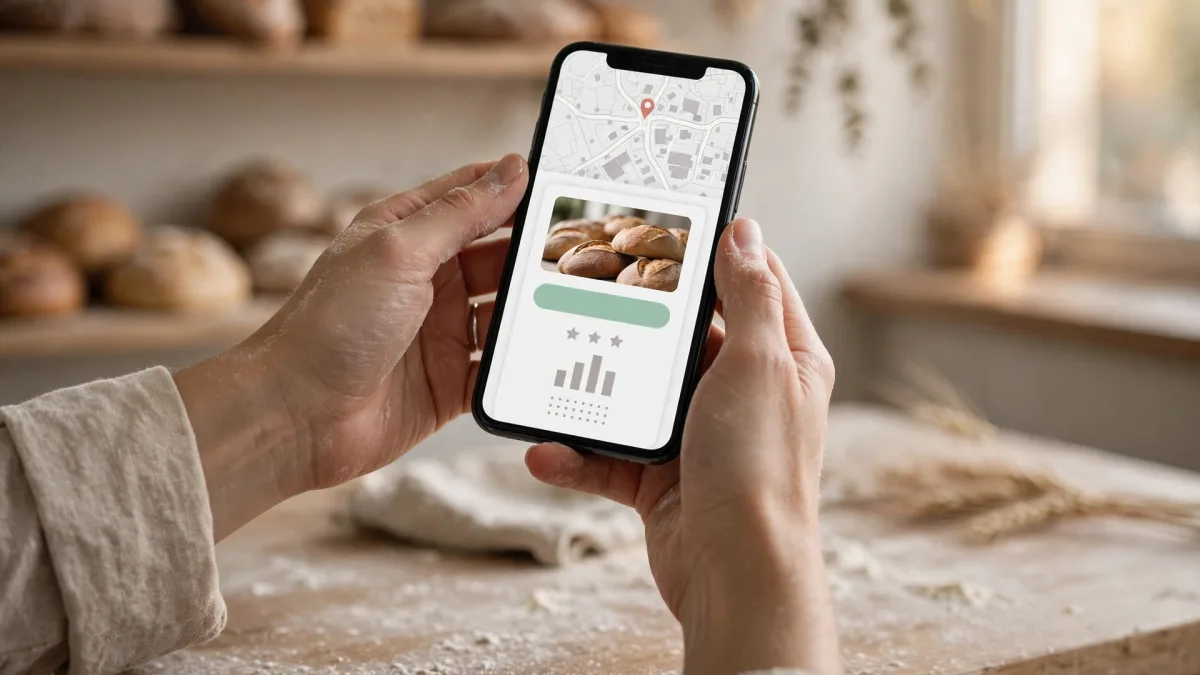
After seeing your address and hours, a customer looking at your profile often wants to know what's happening there these days. The Google Business Profile posts area is the most direct way to answer that: you announce a new product, an event or a limited-time promotion in short updates that appear with your profile on Google Maps and in Search.
Posting is easy; the hard part is posting regularly and usefully. In this article we cover post types, suitable topics, how often to post, and how to prepare text and images.
Post types: update, offer and event
In Google's interface, posts are called "updates." When you add a new update to your profile, you choose one of three types:
- Update: The most general type. You add a description, a photo or video and, if you like, a button that sends customers to a page. An update suits a new service, a change in how you work or seasonal news.
- Offer: For limited-time promotions. A title and date range are required; once you enter them, a "View offer" button is added to the post. You can also add a coupon code, a link and terms and conditions.
- Event: For a gathering with a start and an end: a tasting day, a workshop, an opening. You enter a title and start and end dates; if you don't add times, the event shows all day on those dates.

Which topics suit a post?
A good post tells profile visitors something useful today or this week. Examples of suitable topics:
- New product or service: A dish added to the menu, a new care service, a newly arrived model.
- Seasonal change: Summer hours, a winter maintenance reminder, back-to-school preparation.
- Limited-time promotion: A discount or package with clearly stated terms (using the offer type).
- Event: A tasting, seminar or open house on a set date.
- A frequently asked question: Answering questions like "Can I come without an appointment?" or "Is there parking?" in a short post.
- Behind the scenes: The preparation process, a renovated area, new equipment.
Some things don't belong in posts: text that disparages another business, content unrelated to your business, the exact same text every week, promotion announcements with hidden terms, and claims that don't reflect reality.
How often should you post?
Google doesn't give a number for how often to post. Nor has Google disclosed how much posts affect map rankings; nothing definite can be said about this. A post's clear benefit is giving profile visitors a current, concrete reason.
So think of frequency not as "the more, the better" but as a sustainable rhythm:
- Pick a regular rhythm. For most small businesses, one post a week is a manageable start. What matters is not posting heavily one week and then going silent for weeks.
- Post more in busy periods. Extra posts make sense around holidays, a season opening or a new branch.
- Don't force it if you have nothing to say. Skipping a week is better than reposting the same text.
- Plan at the start of the month. For example, set four topics for each month: a product or service, a piece of current news, an offer or event, and a frequently asked question.
Tips for post text and images
Text
- Put the key information in the first sentence. Readers often look only at the beginning: what, when, for whom.
- Be specific. Instead of "Great deals," use a clear statement like "Family-size breakfast options on Saturdays and Sundays."
- Don't write your phone number in the text. Add the "Call now" button instead; it uses the verified number on your profile.
- Choose the right button. For a business that works by appointment, a booking or "Learn more" button takes customers to the right page.
- Don't stuff keywords. Repeating the same word over and over hurts readability; natural language is enough.
- State the terms clearly in an offer post: the validity dates, which branches it applies at, and any limits.
"Our sourdough country bread is now ready every morning from 8 a.m. It can sell out during the day; to reserve a loaf for the next morning, reach us with the button below."
This text gives the key information in the first sentence, names a specific time, leaves out the phone number and points the customer to the button. Add a real photo of the bakery's own bread, and the post is complete.
Image
- Give priority to your own real photos: the product, the place or the service itself.
- Photos should be sharp, bright and not heavily filtered. Don't put much text on them; keep the information in the post text.
- If you use a stock photo or an AI image, don't present it as a photo of your real product; state clearly that it's illustrative.
- Don't use the same image in every post; visitors notice repetition right away.

Post rules
Posts are also subject to Google's content policy and may be reviewed before going live. On your profile, a post's status shows as "Live," "Pending" or "Not approved." The main points to watch:
- Unverified contact information: Google states that it may remove updates whose text contains an unverified phone number, email address or social media username.
- Prohibited and restricted content: Promoting certain products and services is restricted or prohibited; if this covers your industry, read the rules first.
- Misleading content: An untrue price or a nonexistent service costs you customers and breaks Google's general content rules.
- Rights ownership: Don't use someone else's photo or design without permission.
- Legal responsibility: The business owner is responsible for making sure published content complies with the law; this matters especially for promotion and price announcements.
Frequently asked questions
Do posts improve my map ranking?
Google doesn't disclose this, so nothing definite can be said. Share posts to give profile visitors current information. If you're curious about your map visibility, measure it separately and regularly.
Can I share the same post at every branch?
Yes, a shared promotion can be posted at every branch. But if there's branch-specific information (different hours, a product that branch doesn't carry), adjust the text for that branch.
Summary
- There are three types: updates for general news, offers for limited-time promotions, events for dated gatherings.
- A post should give profile visitors concrete information useful this week.
- Google gives no frequency number; choose a sustainable rhythm (for example, once a week).
- Don't write your phone number in the text; use the "Call now" button. Put real photos first, and don't present illustrative images as real.
- Fix rejected posts according to the content policy and share them again.