

Why Are Google Business Profile Posts Rejected?
If your Google Business Profile post wasn't published, the cause is usually the content rules. We explain common rejection reasons and how to fix your post.
By BadePlus
Images are AI-generated.
You published the post you prepared, but it doesn't show on your profile, and "Not approved" appears next to it. Most owners who search "Google post rejected, why?" find the same few causes: contact information that can't be verified, an image that breaks the rules, an untrusted link or the promotion of a regulated product. The good news: once you find the cause, fixing the post usually takes a few minutes.
In this article, we explain the content rules Google applies to posts, the most common rejection reasons and how to fix a rejected post. Google's Turkish help pages call posts "duyuru" (announcements) and the profile section "Yayınlar" (Updates); in this article, we call both "posts."
Post content rules
Google reviews every post you publish against its content policy. Whether customers see a post depends on its status. Google's create and manage posts page describes three statuses:
- Live: The post is public; it's shown on Search and Maps.
- Pending: The post isn't shown yet. It's being uploaded or processed, or the profile isn't verified.
- Not approved: The post isn't shown. The question mark next to the status shows which content policy the post violates.
The Google post content policy (Business Profile photo, video and post content policy) builds on the prohibited and restricted content rules for Google Maps. The text, photos and videos in a post must follow these rules. The business is also responsible for making sure published content complies with applicable law.
Common rejection reasons
The rules and tips Google highlights for posts explain most rejections.
Unprofessional text
Google recommends avoiding spelling mistakes, extra characters, text that adds no value, and automatically generated or distracting content. Long sentences in capital letters, strings of exclamation marks or the same words repeated over and over can fall into this category. Write the post as if writing to a customer: what happened, who it helps, what to do.
Inappropriate or offensive content
Posts are expected to use respectful, family-friendly language. Rude expressions, sentences that target someone, and sexually explicit or violent images lead to rejection. A comparison that disparages another business can cause problems for the same reason.
Regulated products
You can post in areas such as alcohol, tobacco, pharmaceuticals, health and medical devices, gambling services, fireworks, weapons and financial services; but you can't add content promoting the sale of these products. For example, a restaurant can announce its dinner menu, but the post shouldn't focus on an alcoholic drinks promotion.
Offer posts for hotels
Under Google's content policy, hotels can't create "offer" posts; they also can't share posts that mention or link to deals, promotions, special offers or discounts. If you run a hotel, stick to update and event posts.
Missing information
Offer and event posts require a title plus date and time details. When a descriptive title, start and end times and the offer terms are complete, the post is clearer for customers and easier to review.
Image problems
Photos and videos you add to a post are subject to the same content rules. The most common cases in image-related rejections are:
- Unrelated image: A photo that has nothing to do with the post's topic can mislead customers.
- Personal information without consent: Google treats a person's face or name published without their consent as personal information. Don't use photos where customers' faces are clearly visible without their permission.
- Low quality: Blurry, dark or heavily filtered photos don't look professional. Google wants photos to be in focus, well lit and true to reality.
- Misleading image: Don't present a stock photo or an AI-generated image as a real photo of your business. If you use an AI image, state clearly in the post text that it is illustrative.

Links and contact information
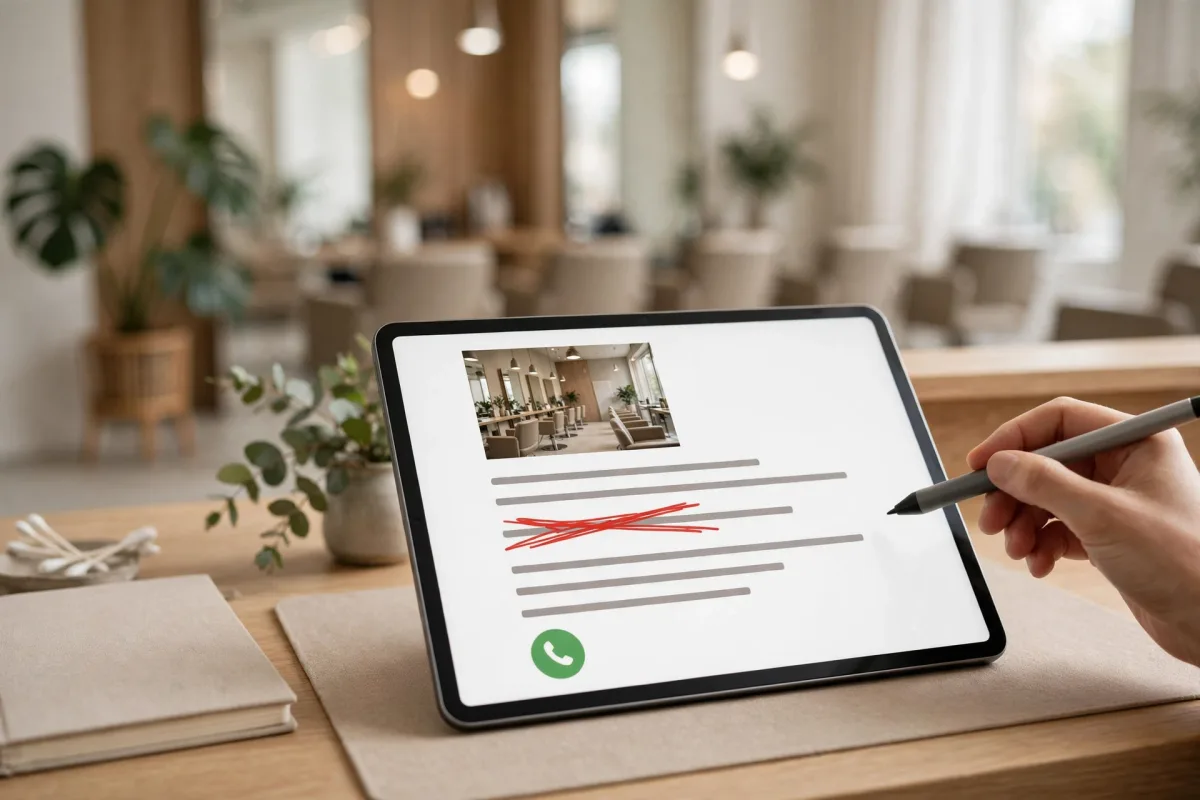
A large share of rejections come from contact information written in the text. Google says it may remove posts with unverified contact information to prevent fraud and abuse; this includes phone numbers, email addresses and social media handles. A post with a phone number in its description may be rejected if the number's link to the business can't be verified.
The fix is simple:
- Instead of writing your phone number in the text, add a Call now button to the post. This button uses the verified phone number on your profile.
- Don't write a separate email address or social media handle in the text.
- Link to a page you trust. Google doesn't allow links to malware, phishing or inappropriate content.
- The action button's link should go to the page where customers can actually complete that action: a booking button to the booking page, an order button to the order page.
Fixing a rejected post
If your post shows "Not approved," go in this order:
- Read the reason. Click the question mark next to the status to see which policy was violated.
- Review the content. Check the phone numbers, email addresses and links in the text, and the people, text and products in the image, one by one.
- Fix it or create it again. In the Updates section of your profile, you can edit the post from the menu next to it, or delete it and create a new one.
- Don't resubmit the same content again and again. Republishing the same post without fixing the cause won't change the result.
- If the status is "Pending," check your profile. Posts aren't published if the profile isn't verified; you'll find the steps in our article on Google Business Profile verification.
For businesses that post regularly, checking each post's status one by one takes time. With BadePlus's Google Business post planning feature, each post's status on Google is tracked in the panel, a post that couldn't be published is rescheduled to a later date, and no price or discount the business didn't provide is written into the post text.
Frequently asked questions
Can I appeal a rejected post?
First try bringing the post in line with the policy and publishing it again; in most cases, that's enough. If you can't work out the reason, you can turn to the Google Business Profile Community or Google's support channels. The final decision is Google's.
The same post went live on one profile but was rejected on another. Why?
Each profile is evaluated separately. For example, the phone number in the text may match one branch's verified number but not the other's. For multi-location businesses, prepare each branch's post with its own details.
Will a rejected post harm my profile?
According to Google's help page, a post that isn't approved isn't shown on Search and Maps. How repeated violations affect a profile depends on Google's assessment, so fixing the cause after every rejection is the safest path.
Summary
- "Not approved" signals a content policy violation; "Pending" signals processing or verification.
- The most common rejection reasons are unverifiable contact information, inappropriate or misleading images, untrusted links and promoting regulated products.
- Use a Call now button instead of writing your phone number in the text.
- Read the reason via the question mark, fix the content and don't resubmit the same post unchanged.
- Not every missing post was rejected; posts without dates are archived after six months.