

Using AI Images in Google Business Profile Posts: What to Watch For
When is an AI image right for a Google Business Profile post? Advice on putting real photos first, scenes without people or text, and a clear disclosure.
By BadePlus

Images are AI-generated.
For businesses that want to post every week, the image is the usual sticking point: there is rarely time to take a new photo for every announcement. One easy way to fill the gap is to create post images with AI. But before an AI image goes into a Google post, a few questions need clear answers: Will this image create an unrealistic expectation? Why use a generated image when you have a real photo? Can people who see the post tell the image was made with AI?
This article explains step by step when to use AI images in Google Business Profile posts, why the image should contain no people or text, how to disclose that it was made with AI and how to avoid misrepresenting your product.
Real photos come first
Your Google Business Profile is often where customers first get to know you. Trust builds when the photos there show your place, products and work as they really are. The guidelines on Google's manage photos and videos page also ask that images on a profile reflect reality and not be heavily edited.
So when you choose an image for a Google Business post, this order makes things easier:
- A real photo you just took for the post's topic.
- A real photo you took earlier but never shared.
- If you have neither, a simple AI image that represents the topic.
Don't use photos you found online or took from another website. That creates copyright problems and presents someone else's image as your business. Presenting a stock photo as your real product is misleading for the same reason.
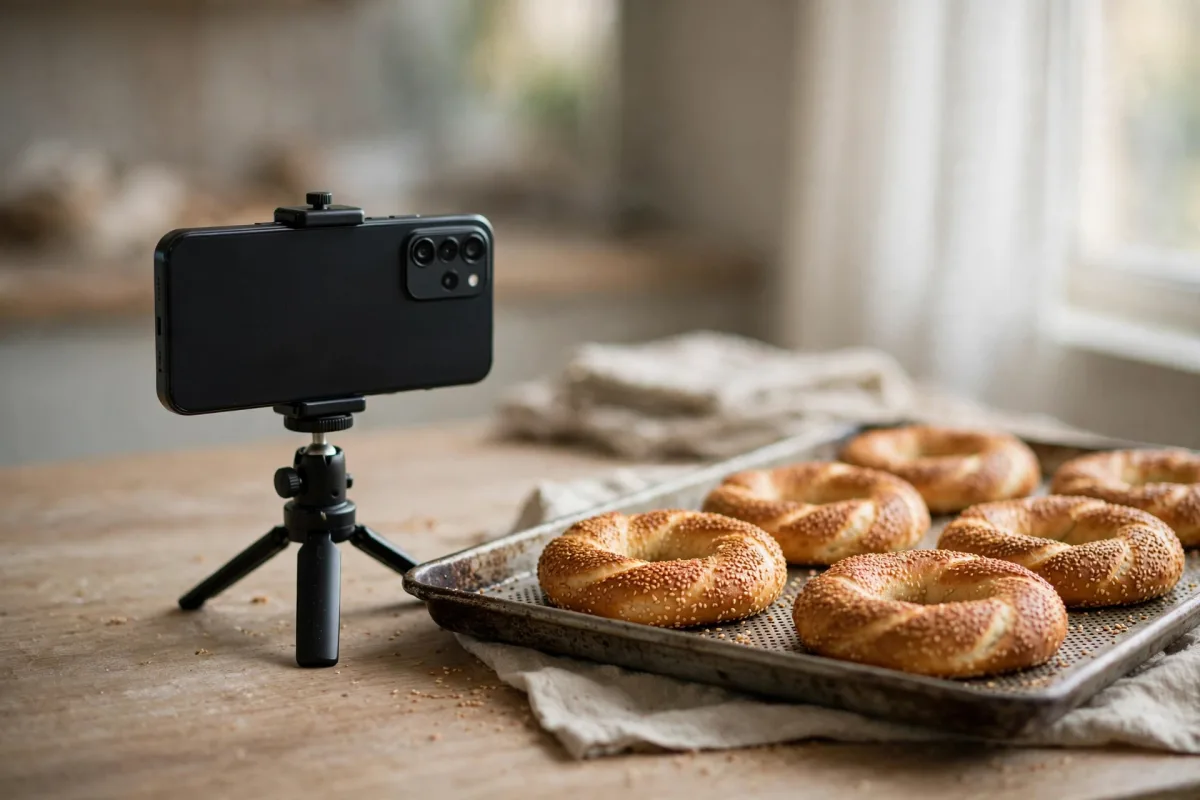
When is an AI image appropriate?
An AI image works when you describe a topic, a feeling or a season rather than a specific product. Good examples:
- Seasonal and special-day posts: For a holiday greeting, a New Year message or the start of the school year, a general scene such as a set table, flowers or autumn leaves.
- Reminder and information posts: A topic that doesn't show your specific product, such as "Get your boiler serviced before winter."
- Atmosphere: A calm corner in morning light, a simple table, a steaming cup.
- Explaining a concept: Objects such as a clock and a calendar for a post about how your appointments work.
- When you present a specific product, dish, room or vehicle as "this is what we have."
- When you show a before-and-after comparison in beauty, renovation or dental work.
- When you announce a promotional product with a stated price.
- When you show the inside or outside of your premises.
Why no people or text in the image?
People, faces and hands
Viewers may mistake a generated face for your employee or customer. That shows your team and business as something they are not. An AI image that resembles a real person also carries a risk regarding that person's rights. And because AI can still produce odd details in hands and faces, such images can make a post look careless. The safest choice is a scene with no people, faces or hands.
Text, logos and signs
Letters in generated images often come out distorted or meaningless. Write the campaign name, dates or terms in the post text, not inside the image; that way they are readable and don't look cluttered on a small screen. A made-up logo or sign can look as if it belongs to a nonexistent brand or another business. License plates and door numbers should stay out of the image for the same reason.
Adopt a simple rule: the image shows an object, a place or a nature scene; the text carries the message.
Disclosing that it was made with AI
A business post is a commercial message promoting your product or service, so it falls under advertising rules. Article 18(8) of Turkey's advertising regulation (the Regulation on Commercial Advertising and Unfair Commercial Practices, Ticari Reklam ve Haksız Ticari Uygulamalar Yönetmeliği) requires that the use of AI in an advertisement be stated clearly, understandably and distinguishably.
The simplest way is to add a short notice as the last line of the post text:
"Görsel temsilidir, yapay zeka ile hazırlanmıştır." (In English: "The image is illustrative and was created with artificial intelligence.")
Each part of the notice gives separate information:
- "Görsel temsilidir" (the image is illustrative): The image depicts the topic; it is not your actual product, premises or result.
- "Yapay zeka ile hazırlanmıştır" (created with AI): It says plainly how the image was produced.
- Placement: Write the notice at the end of the text, after a blank line. Don't put it inside the image; AI may distort the letters, and it can't be read on a small screen.
- Language: If you write the post in a language other than Turkish, write the notice in that language too.
- Length: If the post text is close to Google's character limit, shorten the text; don't drop the notice.
- Real photos: Don't add this notice to a post published with a photo you took yourself; that would be false information.
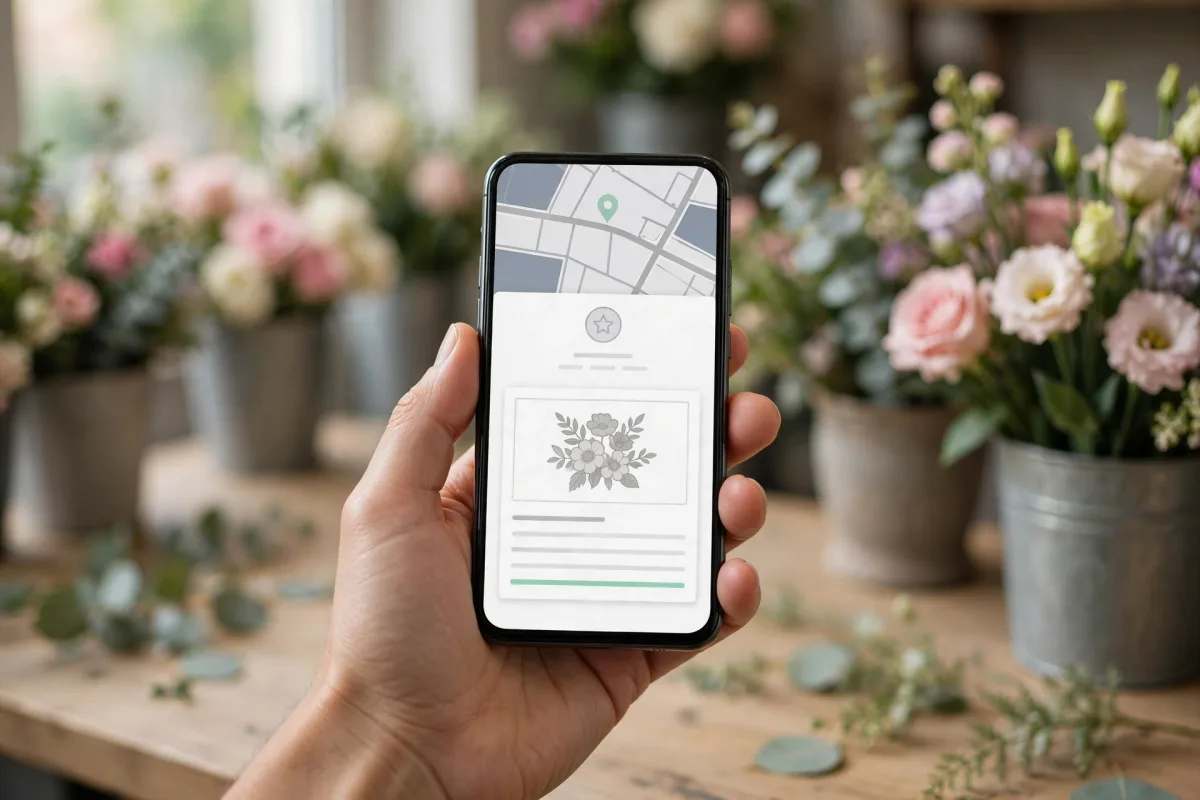
Not misrepresenting your product or service
A notice doesn't make a misleading image acceptable. A representative scene can still create a false expectation. Watch these points:
- Don't imitate the product: If a pastry shop announces a chocolate cake promotion with a generated cake image, customers will expect that cake. Use a photo of the real cake instead, or a general scene that doesn't show it (a coffee cup, a table with flowers).
- Details that set concrete expectations must be real: Portion size, room size, the view and vehicle model should be shown only in real photos.
- Don't generate result images: In hair, skin, dental or renovation work, a generated "result" image misleads customers even with a notice.
- Don't make the space look bigger: An interior that looks larger or fancier than it is disappoints customers when they walk in.
- Match the season and place: A summer scene in winter, or a seaside view for a district far from the sea, shakes readers' trust.
BadePlus's AI image generation works by the same principles: when a post is prepared, it first checks whether the business's gallery has an unused real photo; if not, it prepares a representative image without people, text or logos.

Frequently asked questions
Is using an AI image in a post against Google's rules?
How an image was produced isn't decisive on its own; what matters is that the content relates to your business and doesn't mislead anyone. Google decides which posts stay live, so choose simple images that follow the content policy and are clearly disclosed.
Can't I just write the notice on the image?
Writing it in the text is better. Text inside an image can't be read on a small screen, AI may distort the letters and the image looks cluttered. The last line of the post text is easy to read and keeps the image itself simple.
What if I edited my own photo with AI?
Small fixes to lighting, cropping and color don't turn a photo into an AI image. But if you added an object with AI, removed something or changed the background, the image no longer fully reflects reality. In that case, either use the unedited photo or state clearly that the image was altered with AI.
Summary
- Use real photos first for post images; an AI image suits only a scene that represents the topic.
- Keep people, faces, hands, text, logos, signs and license plates out of the image; let the post text carry the message.
- End every post with an AI image with "Görsel temsilidir, yapay zeka ile hazırlanmıştır." ("The image is illustrative and was created with artificial intelligence."); don't add it to real photos.
- For topics that set expectations, such as products, premises, prices and results, use only real photos.
- Whether a post stays live is Google's decision; stay within the content policy.