

Google Maps Visibility for Plumbers, Electricians and Other Tradespeople
Google Maps for plumbers, electricians and tradespeople: address or service area, service list, real job photos, opening hours and reviews.
By BadePlus

Images are AI-generated.
When a tap drips, a fuse trips or the boiler stops working, most people grab their phone to find a tradesperson nearby, and the list they see comes largely from Google Maps. So Google Maps visibility brings work to every tradesperson who goes to customers, from plumbers and electricians to boiler technicians and painters. But the rules are strict: if the address, service area or hours are entered wrongly, edits can be rejected, and the profile can go under review or even be suspended.
This article explains step by step how to set up a plumber's or electrician's Google Business Profile in line with Google's rules, what to enter and how, and how to keep the profile going without chasing quick results.
A shop-based tradesperson or one who travels to customers?
The first decision is telling Google correctly what type of business you are. Google Business Profile distinguishes three cases:
- Storefront business: Customers come to you. For example, a repair shop with a sign on its door and staff inside during opening hours.
- Service-area business: You go to customers and don't serve them at your business address. Most plumbers, electricians and boiler technicians are in this group.
- Hybrid business: You serve customers at your shop and also go to them.
Also note these rules:
- A PO box, virtual office or mail-only address isn't suitable for a profile. A coworking space also doesn't qualify without permanent signage, customer reception and staff.
- Don't present your home address as a shop. A business whose address shows on the profile must have permanent signage with its name at that address.
- Use one profile per service area. Separate profiles for different neighborhoods or services are against the rules.
- The profile name should be the real name on your sign, invoices and business cards. Don't add a neighborhood, a service type or words like "emergency" to it.
Defining your service area correctly
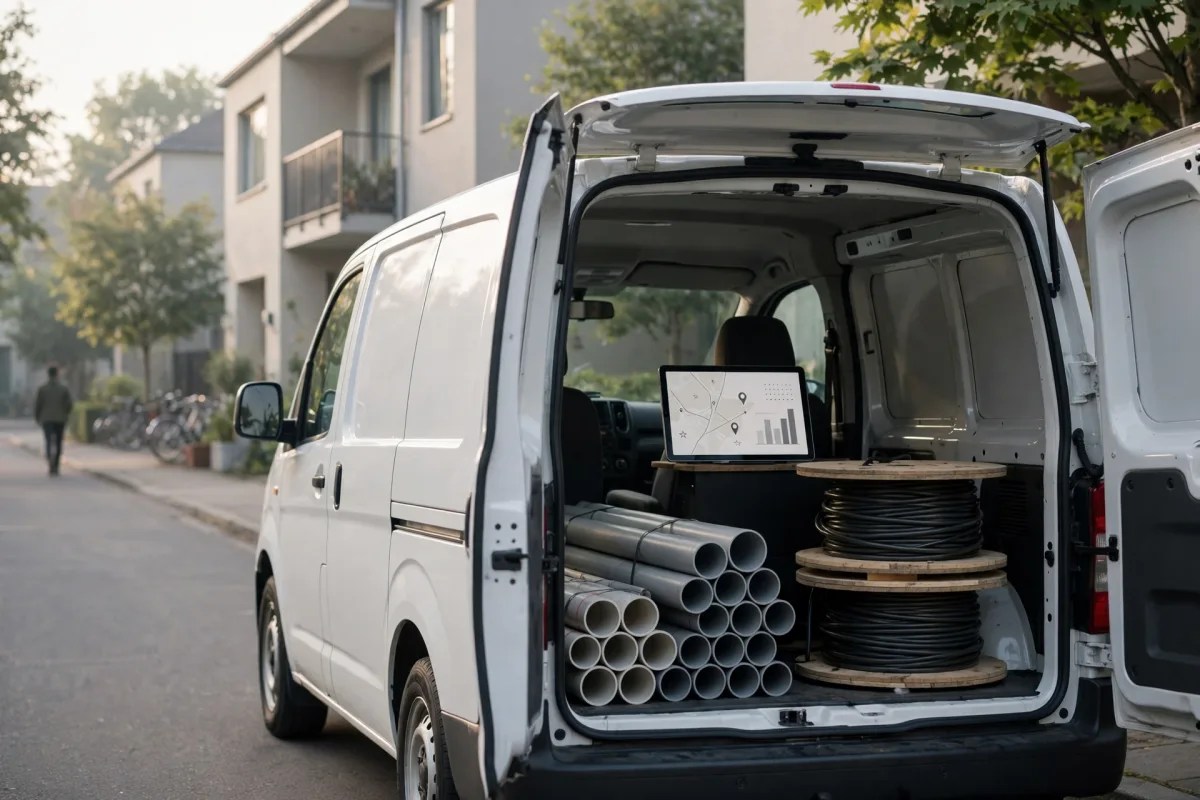
The service area tells customers where you work. According to Google's manage your service areas page, areas are entered as cities, postal codes or other area types, not as a radius around your business. You can add up to 20 service areas, and the overall boundary shouldn't extend beyond roughly two hours' drive from your business.
In practice:
- Note the districts and neighborhoods where you've actually worked in recent months.
- Pick the ones you visit regularly and can reach in reasonable time.
- Enter areas as precisely and accurately as possible; don't add a whole province or places you never go.
- Changes can take time to show on the profile; don't rush new changes while Google reviews the edit.
Service list and job photos
When customers look at your profile, they first want to know: "Does this tradesperson do the job I need?" The service list and photos answer that.
Services
Choose the primary category that describes your work most accurately, then add each job you actually do as a service. For an example plumber:
- Leak detection and repair
- Tap, mixer and cistern replacement
- Drain unblocking
- Boiler connection and radiator cleaning
- Fuse box and residual current device replacement
- Socket, switch and lighting installation
- Electrical fault finding
Photos
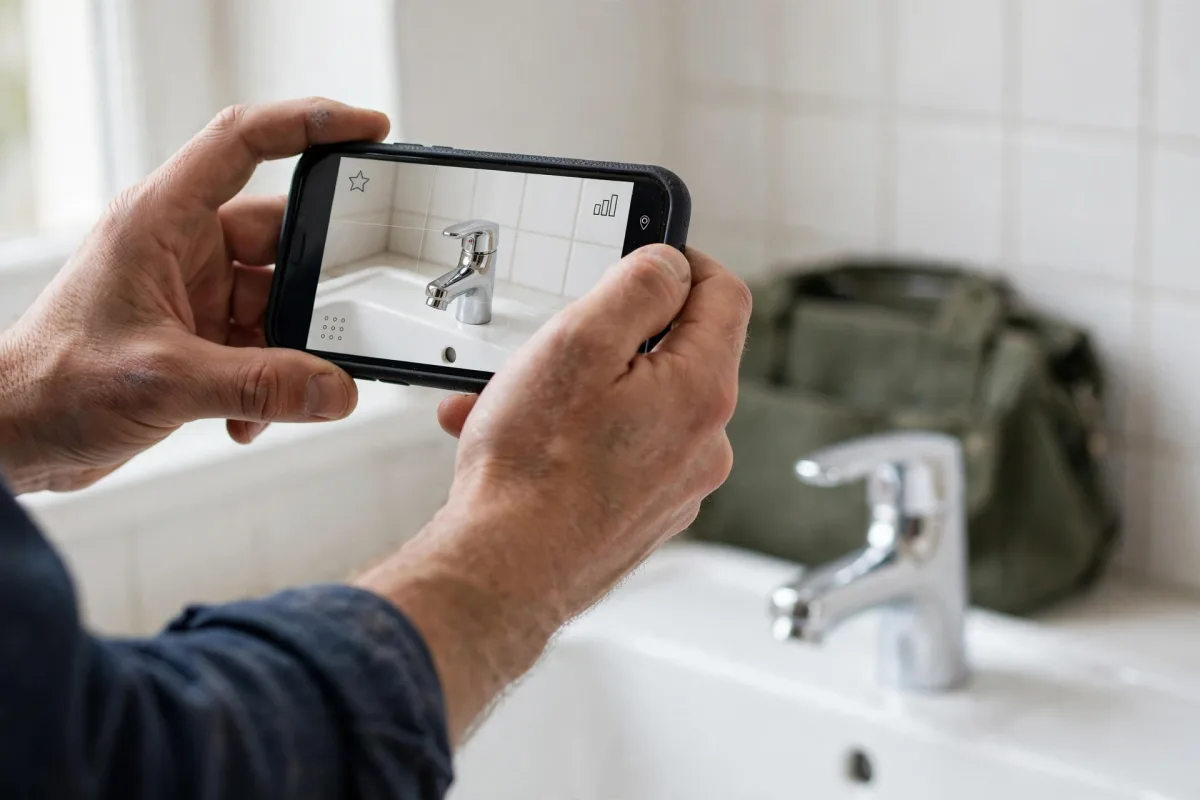
On tradesperson profiles, real photos of your work build the most trust:
- A finished plumbing job, a neatly wired electrical panel or a renovated bathroom
- Your service vehicle and tidy toolbox
- Your workshop or shop, if you have one
Opening hours and emergency jobs
Opening hours help customers decide whether to call you. For service-area businesses, hours should show when you answer the phone and take jobs.
- If you don't really work 24 hours every day, don't enter your hours that way. A tradesperson who doesn't answer a night call quickly turns a customer's disappointment into a review.
- If you go out evenings or weekends only for certain jobs, say so clearly in the service description.
- Enter special hours for public holidays, vacations and days off, so customers calling on a closed day don't wait in vain.
Asking for and replying to reviews
For tradespeople, reviews are often the strongest sign of trust; before letting someone into their home, customers check others' experiences. The rule-compliant way to ask is simple:
- After the job, send every customer your Google review link the same way, with a short message.
- Don't pick only customers whose job went well; ask everyone the same way.
- Don't offer a discount, gift or free service to get reviews; Google treats this as fake engagement.
- Don't ask relatives, friends or people who haven't used your services for reviews.
When replying:
- Give every review a short, personal reply. Replies are public; future customers read them too.
- Don't mention the customer's address, phone number, a detail of their home or the price they paid.
- Don't argue over a negative review. Acknowledge the problem and suggest they call you to resolve it.
For a tradesperson in the field all day, tracking reviews and how you appear in different neighborhoods takes time. As described on BadePlus's Google Business Profile management for tradespeople page, AI-assisted reply drafts can be prepared for reviews, and your visibility in the areas you serve can be monitored with map rank tracking.
Frequently asked questions
I work from home. If I hide my address, can I still appear on the map?
Yes. Service-area businesses are listed with their service area instead of an address; the address is given to Google only for verification. Presenting a home address as a shop, however, can get the profile suspended.
I've edited my profile. When will I get more calls?
No definite timeframe can be given. Ranking is Google's decision; it depends on where the search is made, how relevant your profile is to the search and how well known your business is. Complete information, real photos and regular reviews are basic steps Google also recommends. Don't expect big changes quickly, and don't keep changing the profile.
Summary
- If you don't serve customers at your address, you're a service-area business: hide your address and enter your area.
- Limit your service area to places you actually go, defined precisely and reasonable in size.
- List only work you do as services; share real job photos while protecting customers' privacy.
- Enter realistic hours; use "24/7" or "emergency" only if it's really true.
- Ask everyone for reviews the same way, keep personal information out of replies and be patient about results.