

How Do Service-Area Businesses Appear on Google Maps?
What a service-area business is, when to hide your address, how to define your area, and how distance affects visibility on Google Maps, step by step.
By BadePlus
Images are AI-generated.
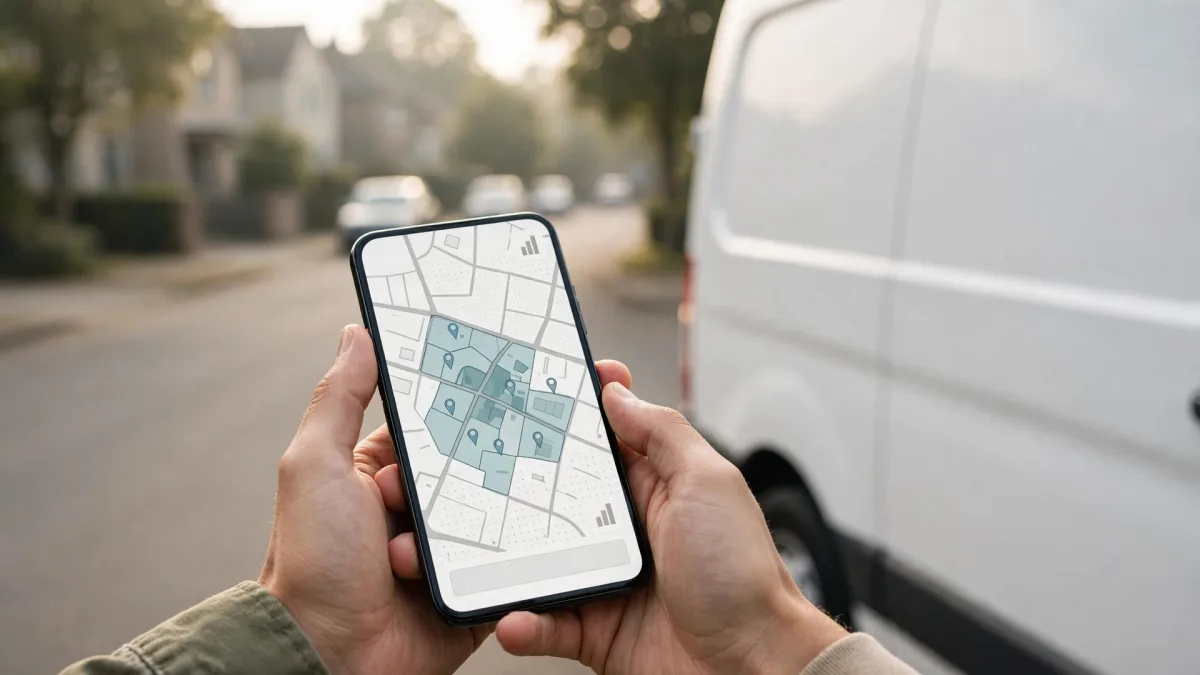
Google Maps works a little differently for businesses that do their work at the customer's door, such as plumbers, cleaners, home movers, or mobile car washes. Google calls this kind of business a service-area business: instead of a full address, the profile shows the area served. Set this up wrong and the profile both breaks the guidelines and misinforms customers.
Based on Google's help pages, this article explains what a service-area business is, when to hide your address, how to define your area, and how distance affects map visibility. For local search engine optimization (SEO), this is the first and most important decision for a business that goes to its customers.
What is a service-area business?
Google divides businesses into three groups by where they meet customers:
- Storefront business: Customers come to your address. Your door has permanent signage with your name, and staff are there during business hours.
- Service-area business: You visit or deliver to customers but don't serve them at your business address. Google's examples are cleaning and plumbing services.
- Hybrid business: You serve customers at your address and also go to them. Examples: a restaurant that also delivers, or a repair shop with a garage that also offers roadside assistance.
One exception: businesses offering age-restricted products or services, such as alcohol, must have a storefront and can't be listed as service-area businesses without an address.
When should you hide your address?
The rule is short: if you don't serve customers at your address, hide it. Google's own example is a plumber who runs the business from home; that plumber should remove the address from the profile.
A Google Business Profile without an address still has one entered: it stays in the settings but isn't shown; only your service area appears. According to Google's Manage your business address page, the steps to hide your address on Google Maps are:
- Go to your Business Profile.
- Select Edit profile, then the Location section.
- Select the edit icon next to "Business location."
- Turn off Show business address to customers.
- Select Save.
Showing your home address as a storefront, or using a virtual office or PO box address, violates the guidelines. Details specific to emergency service industries are in our article on Google Business Profile guidelines for towing, locksmith, and moving companies.
Defining your service area
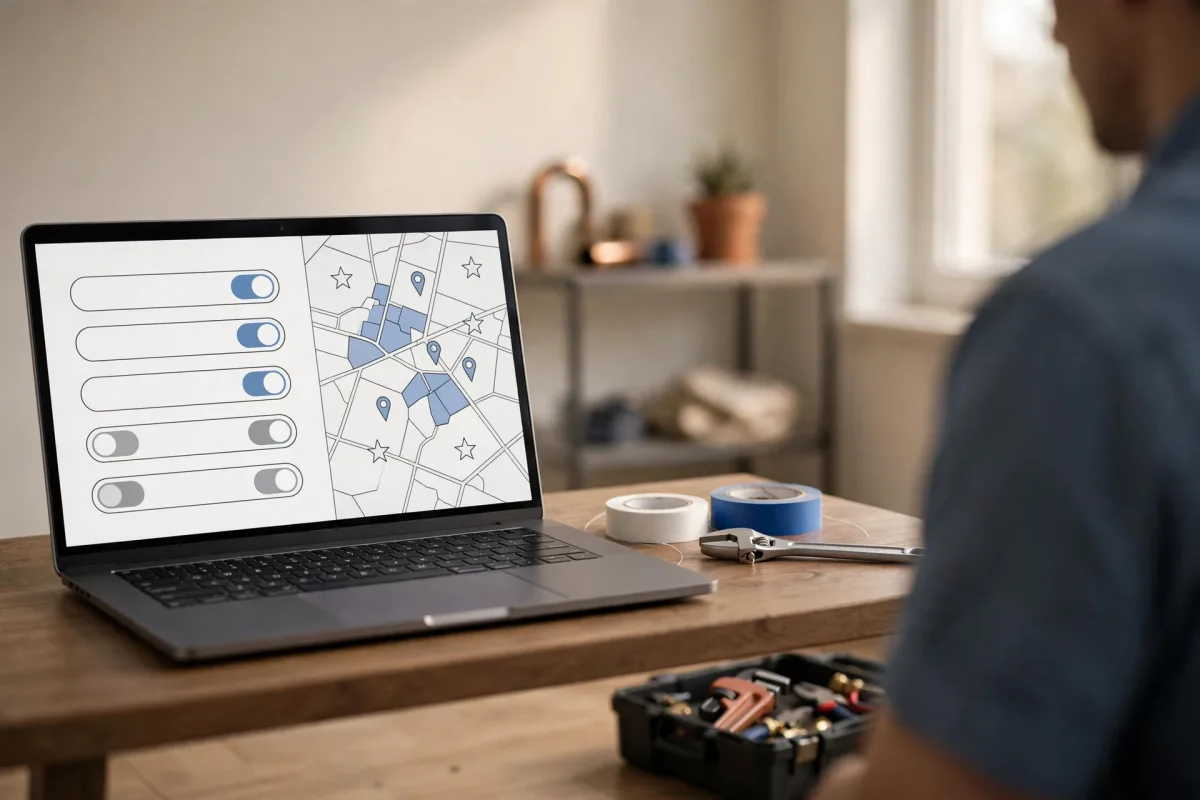
The steps to add a service area are on Google's Manage your service areas page: Edit profile, Location, then the edit icon on the "Service area" line. You can pick suggested areas or type an area name.
The limits Google lists there:
- Up to 20 service areas can be added. These can be cities, districts, postal codes, or other types of areas you serve.
- Your overall service area shouldn't extend farther than about 2 hours of driving time from where your business is based.
- No radius. A service area can't be defined as a circle around the business. If it was defined that way before, the setting can't be edited; the area must be re-entered as cities, postal codes, or another area type.
- Time to appear: Approved service area edits can take up to 48 hours to show on the profile.
- List the places you actually go. List the districts or neighborhoods where you work regularly, not a distant city you visit once a year.
- Be detailed and accurate. Google recommends entering the area as specifically and accurately as possible. Choosing the districts you actually serve, rather than a whole province, gives customers clearer information.
- Space out your changes. Rather than redoing every area at once, add or remove a few as needed.
How distance affects ranking
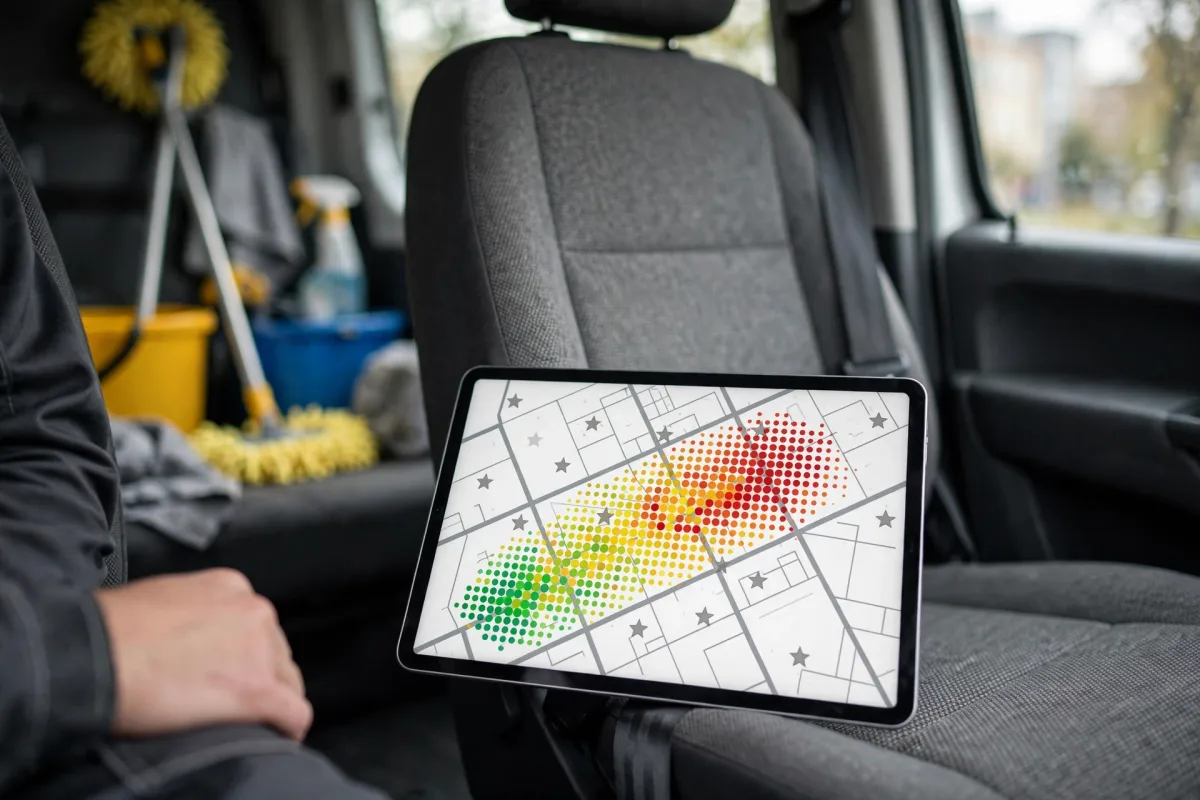
Google says local results are mainly based on relevance, distance, and prominence. Distance is how far the business is from the person searching; if the person doesn't share their location, Google uses what it knows about where they are.
For service-area businesses, this means:
- The service area is information, not range. The list tells customers where you go. Google doesn't detail how it uses the service area in ranking; don't assume adding distant districts will by itself raise your visibility there.
- Where your business is based still matters. Even with your address hidden, Google knows where your business is. Being more visible near that location and less visible farther away is normal.
- Relevance and prominence are in your hands. You can't change distance, but the right category, complete service information, real photos of your work, steady reviews, and review replies support relevance and prominence. Google still makes the ranking decision.
Common mistakes
- Showing your home address as a storefront. Showing an address where you don't receive customers violates the guidelines and sends customers to your door.
- Using a virtual office or PO box address. These addresses aren't eligible. A shared office also needs permanent signage, customers received on site, and staff.
- Creating a separate profile for each district. A business with a single team has a single profile.
- Adding area names to the profile name. Put the districts where you want to appear in your service area, not in your name. The name should stay the real name on your sign.
- Filling the service area as widely as possible. Adding places you don't go misinforms customers and doesn't by itself raise visibility.
- Stuffing service names with neighborhood names. The services section describes what you do; area information belongs in the service area field.
Frequently asked questions
How many places can I add to my service area?
Up to 20 service areas, according to Google's help page. Your overall area also shouldn't extend beyond about 2 hours of driving from where your business is based.
I have a shop and I also go to customers. What should I choose?
You're a hybrid business: you show your address and also add your service area. This requires staff at your address during business hours and customers received there.
Does a profile without an address not appear on the map at all?
It does appear. The profile shows a service area instead of a full address. Where you appear in search results is Google's decision, based on relevance, distance, and prominence.
Summary
- A service-area business goes to customers but doesn't serve them at its business address; in that case, the address is hidden.
- If you serve customers at your address and also go to them, you're a hybrid business: address and service area are entered together.
- You can enter up to 20 service areas; the overall area shouldn't extend beyond about 2 hours of driving.
- Widening your service area doesn't by itself raise visibility; distance is one of Google's factors.
- Avoid mistakes such as virtual offices, second profiles, and area names added to the profile name.