

How to Show Up in "Near Me" Searches: Location and Profile Information
In "near me" searches, Google looks at the searcher's location and your profile information. We explain the role of location, category, hours, and reviews.
By BadePlus
Images are AI-generated.
"Pharmacy near me," "breakfast near me," "car wash near me"... People searching on their phones usually want a business close to where they are. "Near me" searches are among the most valuable searches for businesses, because the searcher is usually ready to go or call right away. So whom does Google show here, based on what, and what can you adjust to appear?
This article explains how "near me" searches work, why the searcher's location is decisive, and the role of your profile's category, services, hours, reviews, and photos. Google always decides the results; the steps here help Google understand your business correctly.
How do "near me" searches work?
Google explains this with an example on its help pages: when a hair salon gives Google its address and hours, the business may be shown in local results for users searching "hair salons near me" or "hair salons open now." The example is on Google's how Google sources and uses information page.
The key takeaway: "near me" describes the searcher's location, not your business. Google combines two things: where the searcher is and which businesses match the requested service. Even if someone doesn't type "near me," Google usually still shows nearby places when they type "hair salon" on their phone.
The three criteria Google gives for local results also apply here:
- Relevance: How well your profile matches what's being searched for.
- Distance: How far your business is from the searcher.
- Prominence: How well known your business is; the reviews you get are part of this.
The searcher's location
In "near me" searches, the most decisive information is the searcher's location, not yours. Google's Tips to improve your local ranking on Google page says distance is how far each business is from the person searching, and that if the person doesn't share their location, Google uses what it knows about where they are.
So the same search gives different results two streets away and two neighborhoods away. Ranking high when you search in front of your business doesn't mean a customer a few kilometers away sees you there too.
You can't change the searcher's location, but you can make sure Google knows yours correctly:
- Keep your address complete and accurate. The building number, neighborhood, and district should match the address on your sign.
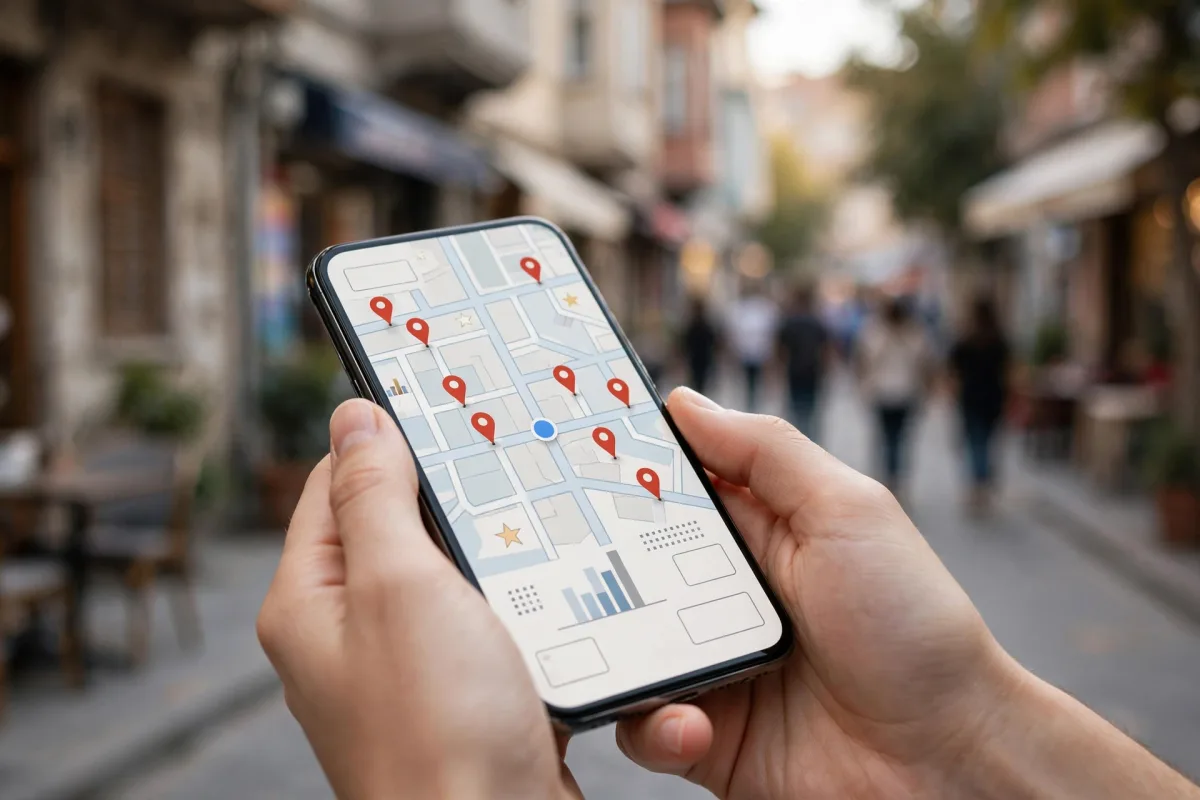
- Check the map marker. If the marker, which Google calls a pin, isn't at your building's real location, correct it on your profile; a wrong location makes the distance calculation wrong too.
- Enter your service area correctly. If you go to your customers, you can hide your address and enter the areas you serve. Google recommends entering the service area as specifically and accurately as possible. For details, see the article how service-area businesses appear on Google Maps.
- Don't use an address that isn't real. Using a virtual office, shared office, or PO box address to look more central violates Google's guidelines and puts your profile at risk.
The role of category and services
Distance alone isn't enough; Google must match your business with the service searched for, and the cornerstone is your primary category. For someone searching "dental clinic near me," Google shows businesses whose category matches that service. Your primary category should be the one that describes your business most accurately; additional categories cover other work you actually offer.
Besides the category, these fields also help Google understand your business:
- Services and products: List each service you offer separately, in the words your customers use.
- Business description: Describe plainly what you do and whom you serve.
- Attributes: Information such as parking, wheelchair accessibility, or payment options helps people choose among "businesses near me."
Hours and "open now" results
Many "near me" searches happen "now": people want a pharmacy or an auto service shop that's open at that moment. The phrase "open now" in Google's own example shows this. The first requirement for appearing in "open now" Google Maps results is correct hours.
A checklist for hours:
- Do your regular hours match your real hours? A wrongly entered closing time makes you show as closed while you're open.
- Have you entered special hours for special days? Use special hours for Bayram holidays, other public holidays in Turkey, and short closures.
- Do different services have different hours? If services such as takeout or delivery have different hours, you can use Google's "More hours" option.
- Is the closed label correct? If your profile wrongly shows as temporarily or permanently closed, fix that first. Google notes that temporarily closed businesses may appear after open businesses in broad searches.

The effect of reviews and photos
Google's prominence criterion is about how well known your business is. Google says more reviews and positive ratings can contribute to your business's local ranking. Reviews and photos also directly shape the choice of someone comparing several businesses in the list.
- Get reviews regularly. After the service, send your customers your review link in the same neutral message for everyone. Offering gifts or discounts to get reviews violates the policies.
- Reply to reviews. Google notes that replying shows you value your customers' feedback.
- Add real photos. Google notes that exterior photos help customers recognize your business. Add current photos of your entrance and its surroundings so someone nearby can find you easily.
- Refresh your photos. Photos of the interior, products, and your team at work show that your profile is active. Don't present stock or AI images as real photos.
Measure from different points
Because showing up in "near me" searches gives different results in each neighborhood, measuring your visibility from a single point is misleading. You need to measure in the neighborhoods your customers come from, with the words they use, and during your business hours.
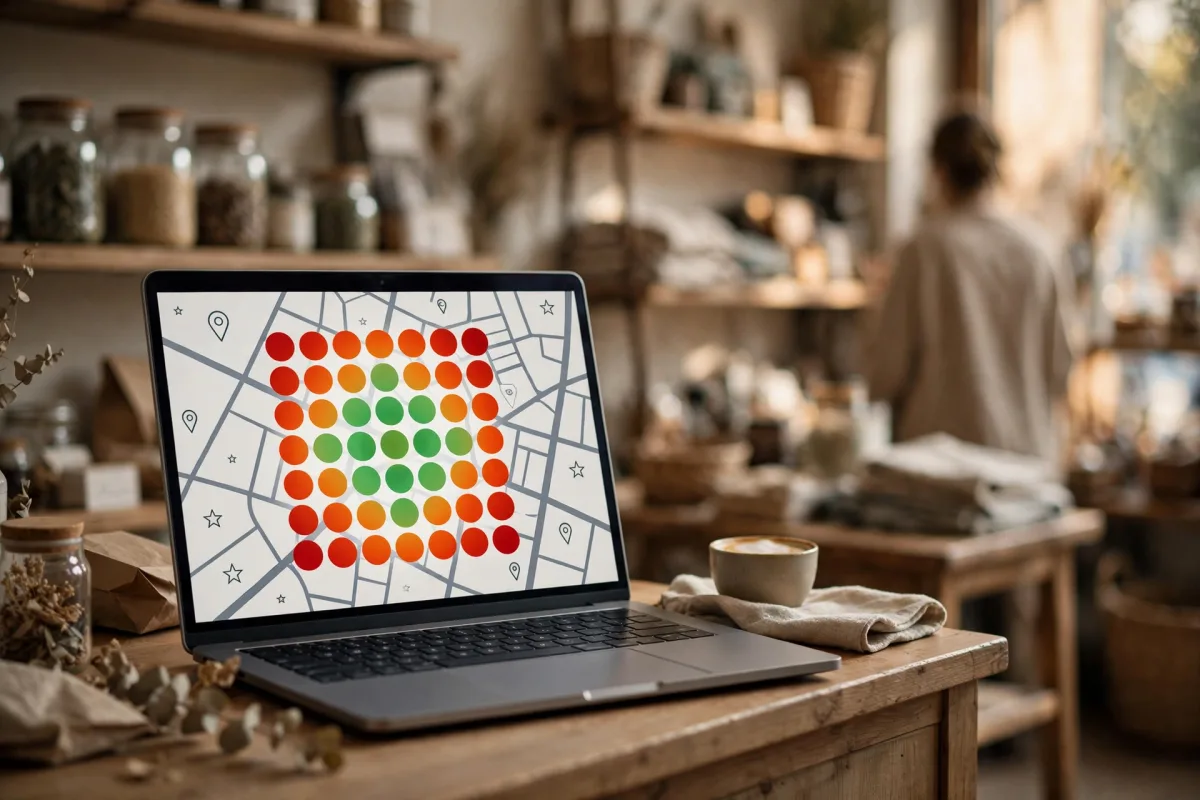
Since this is hard by hand, you can use a measurement tool. BadePlus map rank tracking sets up a 7×7, 9×9, or 13×13 point grid around your business and shows your position at each point for the keyword you choose on a heat map. Scheduled scans run while your business is open. Seeing which neighborhoods you stand out in and where you fall behind makes it clear where to focus. If your position drops noticeably in one area, don't rush to change the profile; first verify the measurement, then look at what changed on your profile and around you.
Frequently asked questions
I appear near the top when I search on my own phone, but my customer says they can't see me. Why?
Because results change with the searcher's location. You're searching from inside or near your business; your customer may be searching from another neighborhood. Measure your visibility from different points.
Will I show up more if I add the phrase "near me" to my profile?
Don't do it. The phrase describes the searcher's location, not your business. Fill your profile with information that describes your business as it really is.
I hid my address. Can I still appear in "near me" searches?
Service-area businesses can also be shown in local results; Google decides who is shown for which search. Entering your service area accurately and in detail helps Google understand where you provide service.
Summary
- In "near me" searches, Google combines the searcher's location with how well your profile matches the search.
- An accurate address, map marker, and service area keep the distance calculation correct.
- Category, services, and description describe your business; words like "near me" aren't added to the profile.
- Correct hours and special hours are the first requirement for appearing in "open now" searches.
- Measure your visibility from different neighborhoods and during opening hours; results are always Google's decision.