

How to Read Your Google Business Profile Performance Report
Learn to read views, search terms, calls and directions in your Google Business Profile performance report, and how to compare time periods correctly.
By BadePlus

Images are AI-generated.
To see how many people view your profile, call you or ask for directions, start with the Google Business Profile performance report. It's available to profile owners and managers; read correctly, it shows which work is paying off. Read wrong, a one-day drop can cause needless panic, and a random rise can bring false comfort.
Below we go through the report's sections in order, what to watch when interpreting the numbers, and how to read it alongside rank tracking.
Where do you find the performance section?
According to Google's help page, performance data is available only for verified profiles, and you must be signed in with the Google Account linked to the profile. Three ways to reach it:
- From Google Search: Go to your Business Profile, select Performance, choose the report period at the top and click Apply.
- From the Google Maps app: Tap Business at the bottom right, select See more next to "Performance," choose the period and apply.
- For multiple profiles: In Business Profile Manager, you can select profiles and download their performance data as a spreadsheet. It's the most practical way to compare locations side by side.
Views and search terms
Views
Views show how many people viewed your profile on Search and Maps. To interpret Google Maps views, know Google's counting rules:
- The metric counts unique people who viewed your profile.
- Even if a person looks several times in one day, they count at most once.
- If the same person viewed your profile on both phone and computer, or on both Maps and Search, they may be counted a limited number of times.
- Only views of your profile count, not your business's overall visibility on Google.
Search terms
The report's "Searches" section lists the terms people typed to find you. Google business search terms update at the start of each month, and the update can take up to 5 days to finish; that's why the previous month's list may look incomplete in the first days of a month.
Read the list in two groups:
- Searches with your business name: People who already know you. Growth here can point to rising recognition.
- Service or category searches: Searches like "breakfast" or "tire repair" from people who don't know you yet. This group matters most for new customers.

Calls, directions and website clicks
The interactions section shows the total actions customers took after seeing your profile. The most useful Google Business Profile insights are:
- Calls: Clicks on your profile's call button, which appears only if the profile has a phone number. It shows a tap, not a completed call. Comparing it with your own phone records helps you spot missed calls.
- Directions: The number of users who requested directions to your business. Google notes that it changed how this metric is counted to filter out multiple taps, canceled requests and unintended requests. For businesses with a physical storefront, it's the closest indicator of intent to visit.
- Website clicks: Clicks on your profile's website link. Read it alongside your site's own visitor statistics; adding a tracking parameter to the link makes visits from the profile easier to identify.
- Industry-specific metrics: Bookings, menu clicks, and product and offer views appear only for relevant businesses.
Comparing periods correctly
The most often misread part of the report is period comparison. These rules help:
- Choose periods of equal length. When comparing a 31-day month with a 28-day month, keep the difference in mind.
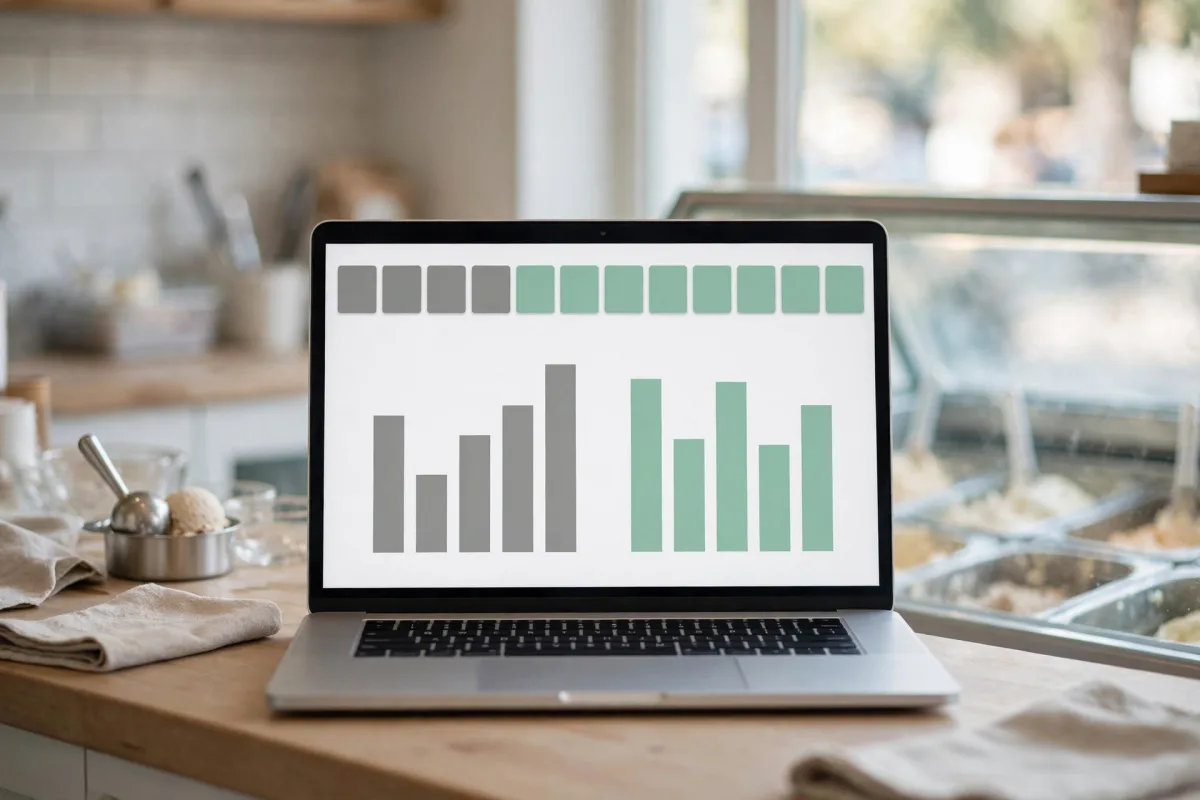
- Account for the season. For seasonal businesses such as an ice cream shop, ski rental or wedding venue, comparing with the same period last year, if you have the data, means more than comparing with the previous month.
- Note holidays and outside factors. A holiday break, bad weather or roadwork in front of the business can change the numbers for reasons beyond your control.
- Log your own changes. Keep a simple list of the days you added new photos, changed hours or started ads. When the numbers move, check this list instead of guessing why.
- Look at the trend, not a single day. Weekly ups and downs are normal; a trend over several weeks is more reliable than a one-day spike.
- Remember changes in counting methods. Google has said it changed how some metrics, such as directions, are counted; such differences can show up when comparing long periods.
Reading the numbers alongside rank tracking
The performance report tells you how many people saw you, but not where you ranked for which search in which neighborhood. Because local results change with the searcher's location, you can appear near the top for a search in one neighborhood and sit low on the list a few streets away.
Reading the two together makes the picture clear:
- Views fell, your ranking held: Demand may have dropped; look at seasonal or holiday effects. There may be no urgent problem with the profile.
- Views fell, your ranking slipped in some areas: Review your profile, category, recent changes and nearby businesses.
- Views rose but calls and directions didn't: Your profile is seen but not chosen; look first at photos, reviews and complete information.

Frequently asked questions
Why can't I see the performance section?
Data is available only for verified profiles, and you must be signed in with the account linked to the profile. If the profile isn't verified or you're signed in with another account, you won't see the section.
Why does the number in the notification email differ from the report?
The report's view count counts unique people and one view per person per day. So it may be lower than the number in notifications.
Why do search terms still show the previous month?
The list updates at the start of each month, and the update can take up to 5 days to finish.
Summary
- The performance report is visible only for verified profiles, with the account linked to the profile; it also includes interactions from ads.
- Views count unique people; they may be lower than the number in notification emails.
- Search terms update monthly; read searches for your name and for your services separately.
- Compare periods of equal length, accounting for the season and your own changes.
- Reading performance data alongside rank tracking makes it easier to find the cause of a drop.