

Your Google Maps Ranking Dropped? What to Check First
If your Google Maps ranking dropped, check calmly: verify the measurement, profile changes, review patterns, new competitors, and signs of a suspension.
By BadePlus
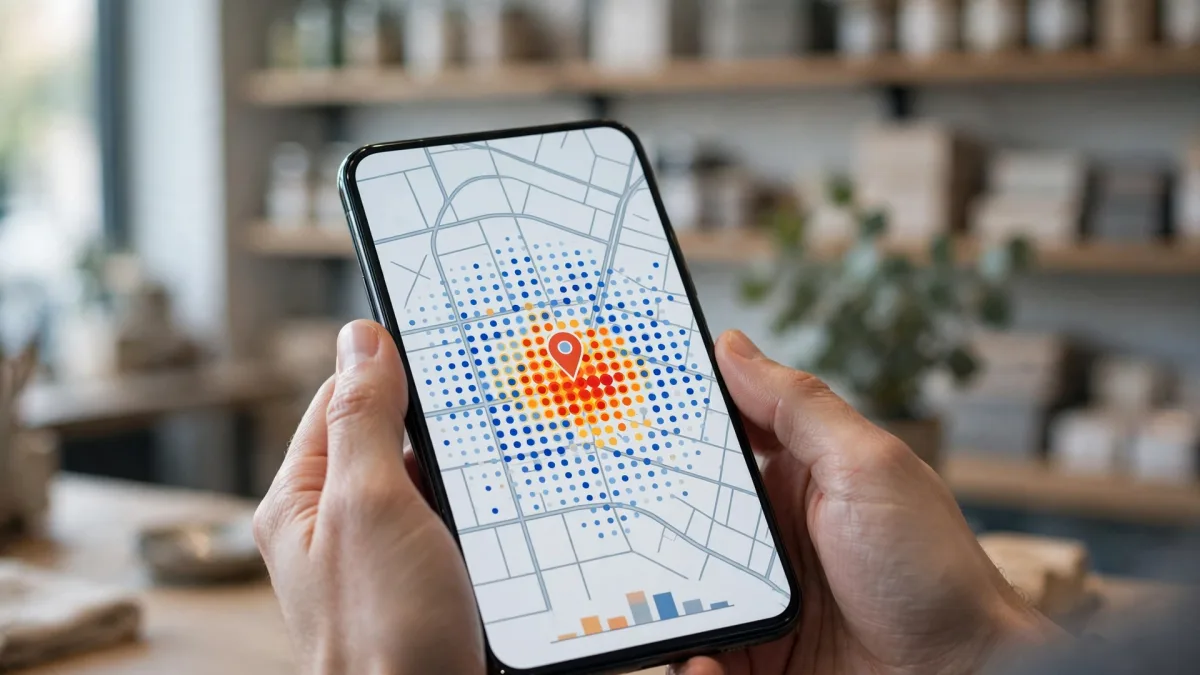
Images are AI-generated.
A business that sat near the top of searches for a while may suddenly slide down the list. When you notice your Google Maps ranking dropped, the first reaction is often to change something on the profile right away. But the cause may not be visible at first glance: a faulty measurement, a profile change made by you or by Google, a pause in incoming reviews, or a new business nearby can all produce the same picture.
This article explains what to check, and in what order, when you think your ranking has dropped. The goal is to avoid hasty changes that muddy things: find the cause first, then proceed one step at a time, measuring as you go. Google always decides rankings. Nothing here means your position will come back, but it helps you see what changed.
First, verify the measurement
Local results on Google Maps change with the searcher's location. Google's Tips to improve your local ranking on Google page says results are mainly based on relevance, distance, and prominence. Because of distance, a search in front of your shop and one a few streets away can give different results. So don't conclude from a single search that your Google Maps ranking dropped.
To verify the measurement, ask:
- Where did you search from? Always from the same place, or this time from home or another neighborhood?
- Which keyword did you use? "Hairdresser" and "women's hairdresser" are different searches. Were both measurements made with the same keyword?
- What time did you search? In a search made while you're closed, businesses open at that moment may stand out. Comparing a night measurement with a daytime one is misleading.
- One measurement or a trend? Local results can fluctuate slightly during the day. Take several measurements under the same conditions before treating a drop as serious.
Did anything change on the profile?
If the measurement really shows a drop, start with the profile itself. List what changed shortly before the drop:
- Changes made by you or your team. Did the category, address, hours, website, or phone change? If an agency or employee manages the profile, ask them too.
- Updates made by Google. If Google gets reports that your business information is inaccurate, it may update your profile. You're then notified and see an alert under "Edit profile." Your category, hours, or address may have changed without your noticing.
- Edits pending review. An edit you made may be waiting for Google's review. Meanwhile, the profile may keep showing the old information.
- Closed label. Does your profile wrongly show "Temporarily closed" or "Permanently closed"? Google's help page notes that temporarily closed businesses may appear after open businesses in broad searches.
- Hours. If your hours were entered wrong, your business may show as closed while it's open.

Review and reply patterns
Google says replying to reviews shows you value customer feedback, and that positive reviews and helpful replies can help your business stand out. Prominence also depends partly on the reviews you get. So look at what changed on the review side in the period before the drop:
- Did new reviews slow down or stop?
- Did several negative reviews come in a row, and were they left unanswered?
- Did you reply regularly before but haven't for a while?
- Are some reviews that used to show no longer visible?
New competitors and category changes
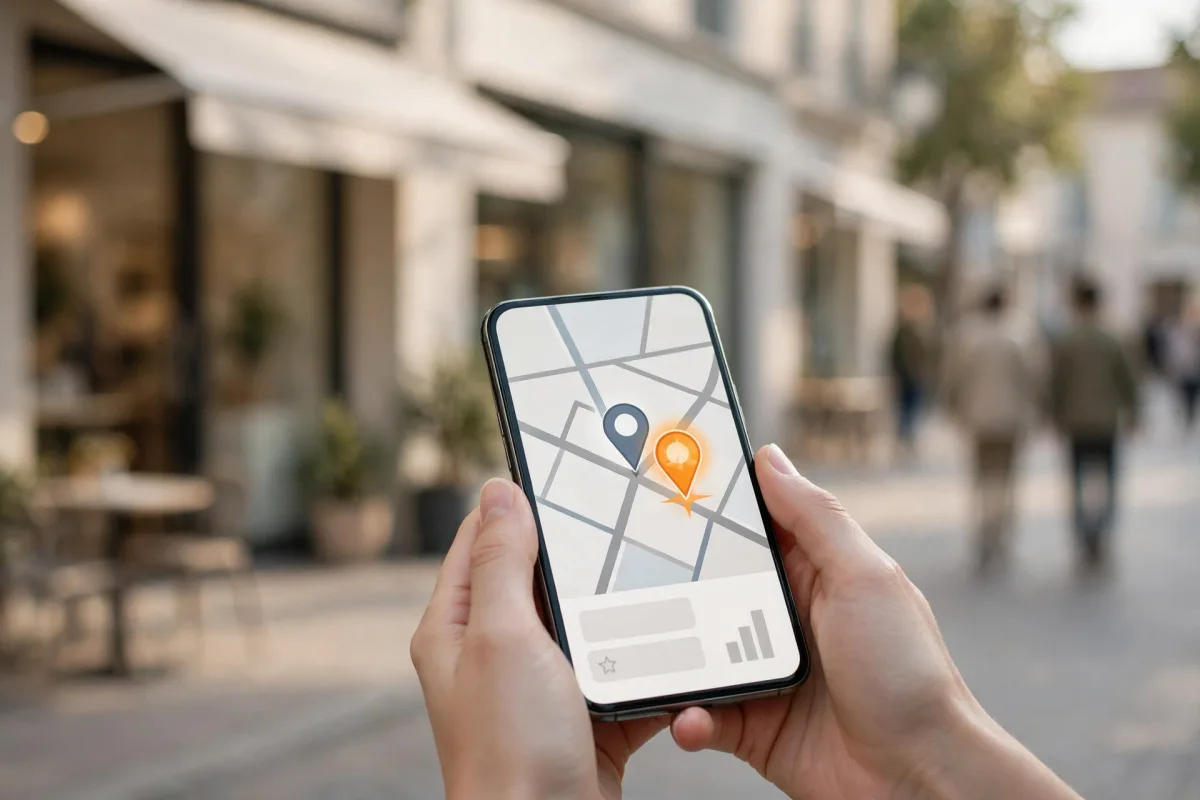
While your position dropped, another business's may have risen. That doesn't always mean something is wrong with your profile. Space in map results is limited; one new business can push everyone down a step.
On the competitor side, check:
- Did a new business open near you? Consider this especially if the drop shows only in one neighborhood.
- Who moved ahead of you? Search with the same keyword and check the profiles above you: how different are their categories, review counts, photos, and posts from yours?
- Did a competitor change its category? A business that used to appear in another category may have moved into yours.
- Are there listings that break the rules? If you see second profiles for the same place or fake addresses, you can report them with the "Suggest an edit" option on Google Maps. The decision is Google's; don't send baseless suggestions about other profiles yourself.
Signs of a suspension or restriction
Some drops concern the profile's status, not ranking. If the loss of map ranking is sudden and very large, for example your business vanished for every keyword at once, look for these signs:
- Does the profile still appear when you search for your business name?
- Is there a warning, suspension, or restriction notice on the screen where you manage the profile?
- Did you get an email from Google about your profile?
- Are your review replies or posts not being published?
Monitor patiently
After you find and fix the cause, the hardest part is waiting. Google may take time to review changes and reflect them in results; no exact timeline can be given. During this period:
- Write down every change you make, with the date.
- Keep measuring with the same keywords, from the same points, at similar times.
- Don't make new decisions based on the ups and downs of a single measurement; look at the average of several.
- Don't neglect the profile's basics: reply to reviews, add real photos, and keep information current.
For the basic steps that support long-term visibility, also read the guide moving up on Google Maps.
Frequently asked questions
My position drops one day and comes back the next. Is that normal?
Local results can fluctuate slightly. When the search location, time, and keyword change, results change too. Look at the trend across several measurements instead of a single one.
My ranking dropped. Should I change the profile right away?
Find the cause first. If some information is wrong, correct it, but don't change many fields at once. Make changes one at a time, spaced out, so you can see the effect of each.
Can I pay Google to get my position back?
No. Google states plainly that it isn't possible to request or pay for a better local ranking. Google decides rankings.
Summary
- Verify a drop not with one search but with measurements using the same keyword, the same points, and similar times.
- Check changes made by you or by Google, pending edits, and the closed label on the profile.
- Look at the flow of reviews, your reply pattern, and new businesses that moved ahead of you.
- With sudden, large losses, look for signs of a suspension or restriction.
- Make fixes one at a time and keep measuring; the result is always Google's decision.