

What Can You Learn From Businesses Ahead of You on the Map?
Find the gaps in your profile by looking at businesses ahead of you on Google Maps: who to compare with, what to look at and how to stand out.
By BadePlus
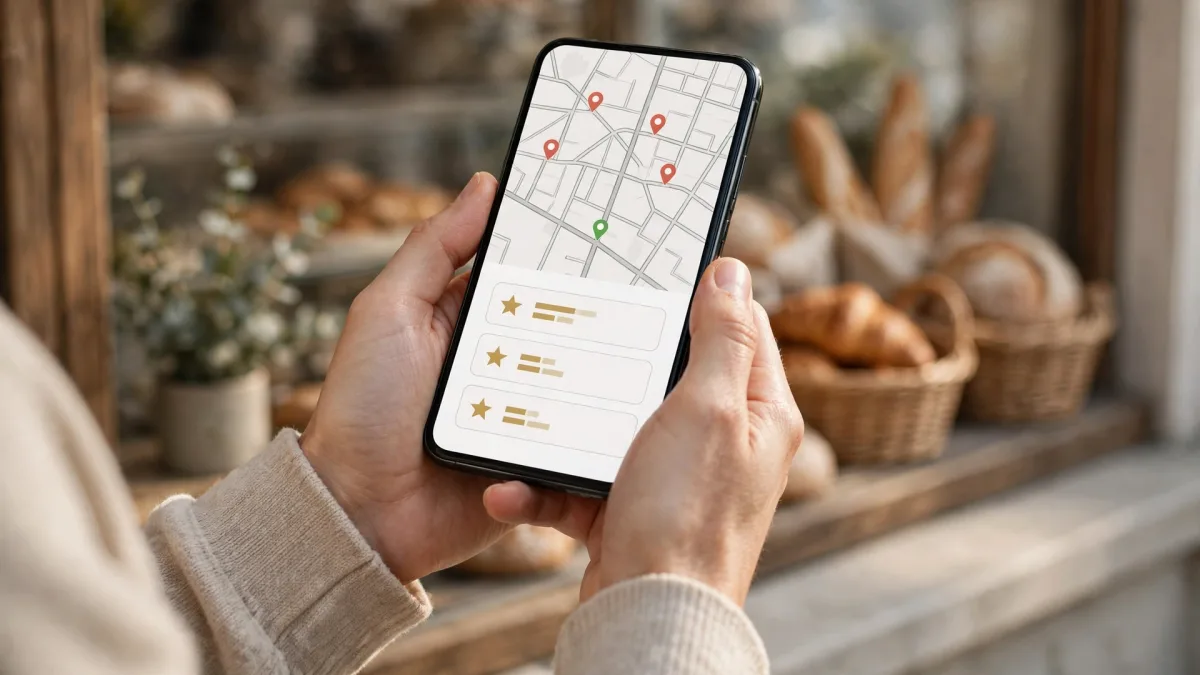
Images are AI-generated.
It's frustrating when a business offering similar services in the same neighborhood appears above you on Google Maps; but it's also a free textbook. Google Maps competitor analysis means looking at these businesses' public profiles to find what's missing from yours, differences in review patterns and the details customers see when deciding. The goal isn't to imitate anyone; it's to put the two profiles side by side through a customer's eyes and make yours clearer, more current and more trustworthy.
This article explains which businesses to compare with, which profile fields to check and how to turn what you see into steps for your business. A reminder up front: Google doesn't disclose the details of local ranking and decides rankings itself. Comparison won't give you an exact formula; it shows you where to start.
Who should you compare with?
Local competitor analysis starts with choosing the right businesses. Looking at the best-known business in the city is often misleading. What matters are the businesses competing with you locally for your customers' searches.
Search the way your customers do
- Pick three to five searches your customers actually type: the service name, the service plus a neighborhood name, a search ending in "near me" and so on.
- For each search, note the few businesses that appear ahead of you on the map.
- If the same business shows up in several searches, that's your main comparison.
- Leave out businesses of a very different scale (such as chain stores or large malls); they have little to teach you.
Why does looking from one point mislead?
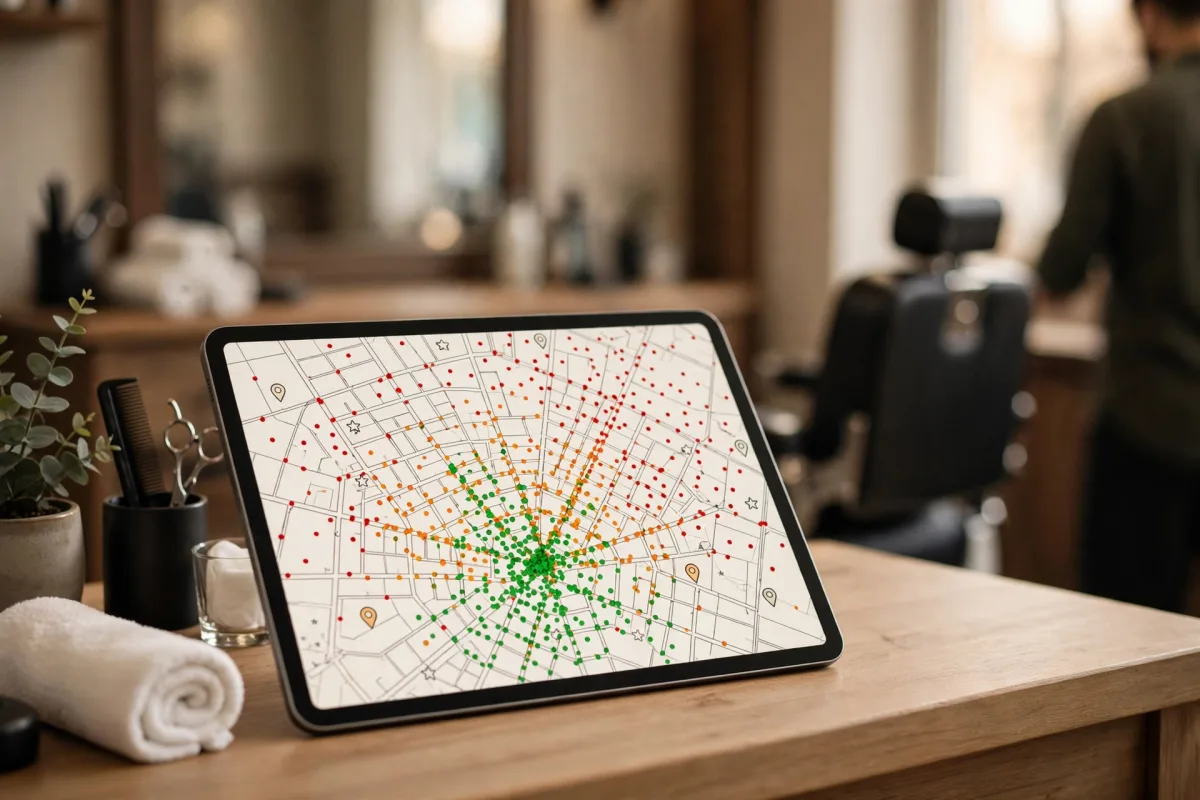
A search on your phone in front of your shop shows only the list at that point. A customer a few streets away may see a completely different ranking. Map rank tracking that measures rankings from multiple points shows on a map which business leads in which area. That way you compare by measurement, not guesswork.
Categories and services
When comparing Google Business Profiles, look at categories first. Google states clearly on its help page that the categories you choose affect local ranking. On the profiles of businesses ahead of you, check:
- Primary category: Is it a specific category that describes the business precisely, rather than a general one?
- Additional categories: Do they describe separate services that are actually offered?
- Services and products: Which items are listed, and how clear are their descriptions?
- Business description: Does it answer the questions customers have in mind, or is it general praise?
The wording competitors use in service items hints at the words customers search for. Our article on keywords for Google Business Profile explains which words are searched and where in the profile to use them naturally. Your business name, however, should stay on your profile exactly as it appears on your sign.
If you see a competitor breaking the rules
Sometimes a profile ahead of you shows words that aren't on the sign, a second listing for the same address or areas where no service is actually offered. Don't take these as examples. Listings that seem to break the rules can be reported to Google; the decision is Google's. You can check what's allowed on the guidelines for representing your business on Google page.
Review count and reply patterns
Reviews are the visible part of what Google calls prominence. Google notes that more reviews and positive ratings can contribute to local ranking. With the businesses ahead of you, look at the pattern, not just the total:
- Continuity: Do reviews come in regularly or at long intervals? The dates of the latest reviews show whether the profile is active.
- Reply habits: Does the business reply to reviews? In what tone does it respond to negative ones?
- Topics in reviews: What do customers praise most, and what do they complain about? A complaint that keeps appearing in a competitor's reviews may be a strength you can highlight.
- Rating and count together: A high rating from a few reviews and a slightly lower rating from many reviews tell different stories.
Photos and posts
On the map, the visual side of a competitor's profile is often the gap you notice fastest.
Photos
- Is there an exterior photo? Google says exterior photos help customers recognize the business.
- Are the interior, product and service photos current, or left over from years ago?
- Did the business add most of the photos, or did customers?
Posts
- Does the business ahead of you add posts to its profile, and how often?
- What do the posts cover: new products, seasonal services, events, announcements?
- Do the posts have an action button such as call, book or learn more?
Overlooked fields
Opening hours (including special days), phone, website, attributes (such as parking, Wi-Fi and accessibility) and service area should also be on your comparison list. Google says businesses with complete and accurate information are more likely to show up in local results. If a field is filled in on a competitor's profile but empty on yours, fix that first.

Standing out instead of copying
You should end the comparison with two lists: your gaps and your differences. Instead of a simple table, notes in this order are enough:
- Categories and service items
- Review count, date of the latest review and reply pattern
- How current the photos are, and the exterior photo
- Post frequency and topics
- Opening hours, attributes and description
- Describe your real expertise: If a competitor's description is generic, make yours specific. Say clearly which service you provide, in which area and at what hours.
- Fill the gap seen in reviews: If a competitor's reviews show a recurring complaint such as long waits or being hard to reach, and you do well there, show it in your posts and review replies without exaggerating.
- Go step by step: Instead of making every change on the same day, make small, regular updates. That way you can also track which step changed what.
- Measure, then decide: After a change, track your ranking and profile engagement for a while; don't decide based on one day's ups and downs. No exact time can be given for when the effect will show.
Frequently asked questions
Is it against the rules to look at another business's profile?
No. Profiles are public, and looking at them and taking notes is fine. What breaks the rules is publishing content to damage another business's reputation or filing unfair complaints.
What if the business ahead of me has far more reviews?
Don't try to close the gap quickly. Ask every customer for a review regularly and within the rules, and reply to every review. Meanwhile, complete the other fields of your profile.
How often should I compare?
For most small businesses, a short check every few months is enough. Look again when a new business opens in your area or when you see a clear change in your ranking.
Summary
- Compare with the businesses competing with you in your customers' searches, not the best-known one in the city.
- Put categories, services, review patterns, photos, posts and opening hours side by side.
- Don't follow a practice that looks against the rules; report it to Google if needed.
- Instead of copying, show your real difference and make changes step by step.
- Track rankings by measuring from multiple points, not one.